Sub-accounts generated through SaaS Mode (meaning the account was created by someone signing up to a Stripe Subscription that was created by the SaaS Configurator in your Agency Account) are governed by a set of Sub-Account Level permissions that are determined by the feature set of each of the plans in the SaaS Configurator. (This is located in the Agency View > SaaS Configurator > Plans & Pricing tab > Edit Details button)

When the system generates the User account for the person who signed up for a SaaS Mode plan, their User Permissions are determined by the Sub-Account Level permissions.
A User cannot have more permissions than the Sub-Account Level permissions allow.
Adjusting Sub-Account Level Permissions
To adjust Sub-Account level permissions:
- From Agency View, select Sub-Accounts in the left menu, then search for the sub-account whose permissions you want to change.
- Click the three dots (⋮) next to the sub-account, then select Manage Client.
- Select Features and Limits, then select Features.
- Enable or disable the supported features you want the sub-account to access.
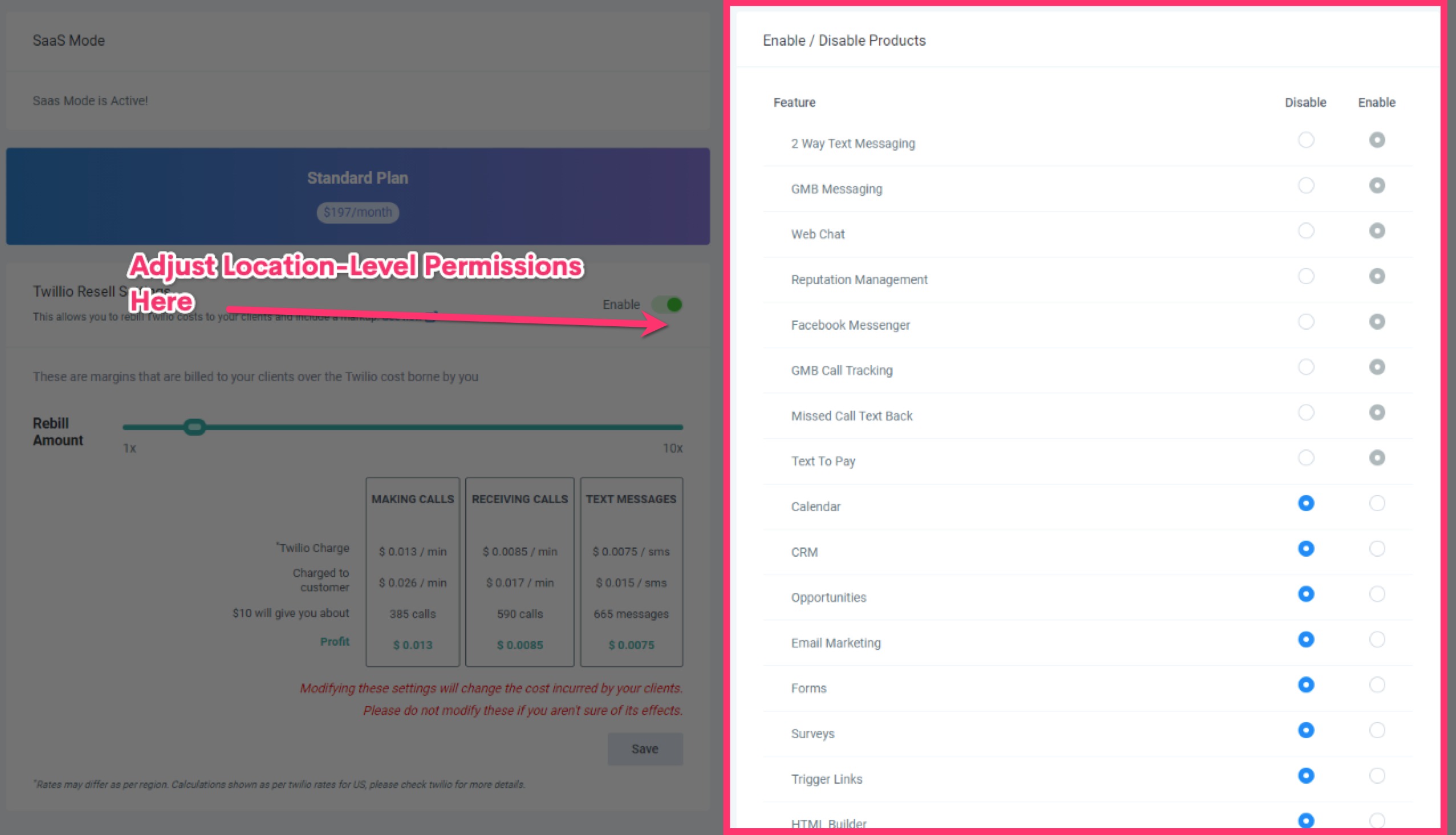
Feature Permissions control which features are available to the entire sub-account. Individual user permissions can further restrict what a specific user can access. To adjust a user's permissions, open the sub-account, then go to Settings → My Staff → Edit (pencil icon) → Roles and Permissions. A user cannot access a feature that is unavailable at the sub-account level.
Was this article helpful?
That’s Great!
Thank you for your feedback
Sorry! We couldn't be helpful
Thank you for your feedback
Feedback sent
We appreciate your effort and will try to fix the article