Split Business Hours lets you configure flexible operating hours for your business directly in HighLevel Listings. You can add multiple time blocks in a single day (split shifts), mark a day as open 24 hours, set a day as closed, or indicate the business is open without publishing fixed hours. This helps your published hours reflect how your business actually operates.
Key Benefits
- Match Real Schedules: Support lunch breaks, split shifts, and late hours with multiple daily intervals.
- Support 24-hour Businesses: Mark any day as 24 Hours.
- Handle Flexible Businesses: Use Business open without set hours for always-available businesses without fixed public hours.
- Save Time: Use Copy to all to replicate hours across the week.
- Reduce Confusion: More accurate hours help customers know when you’re available.
How to Set Business Hours in Listings
1. Open your Listings business.
2. Go to Business Details.
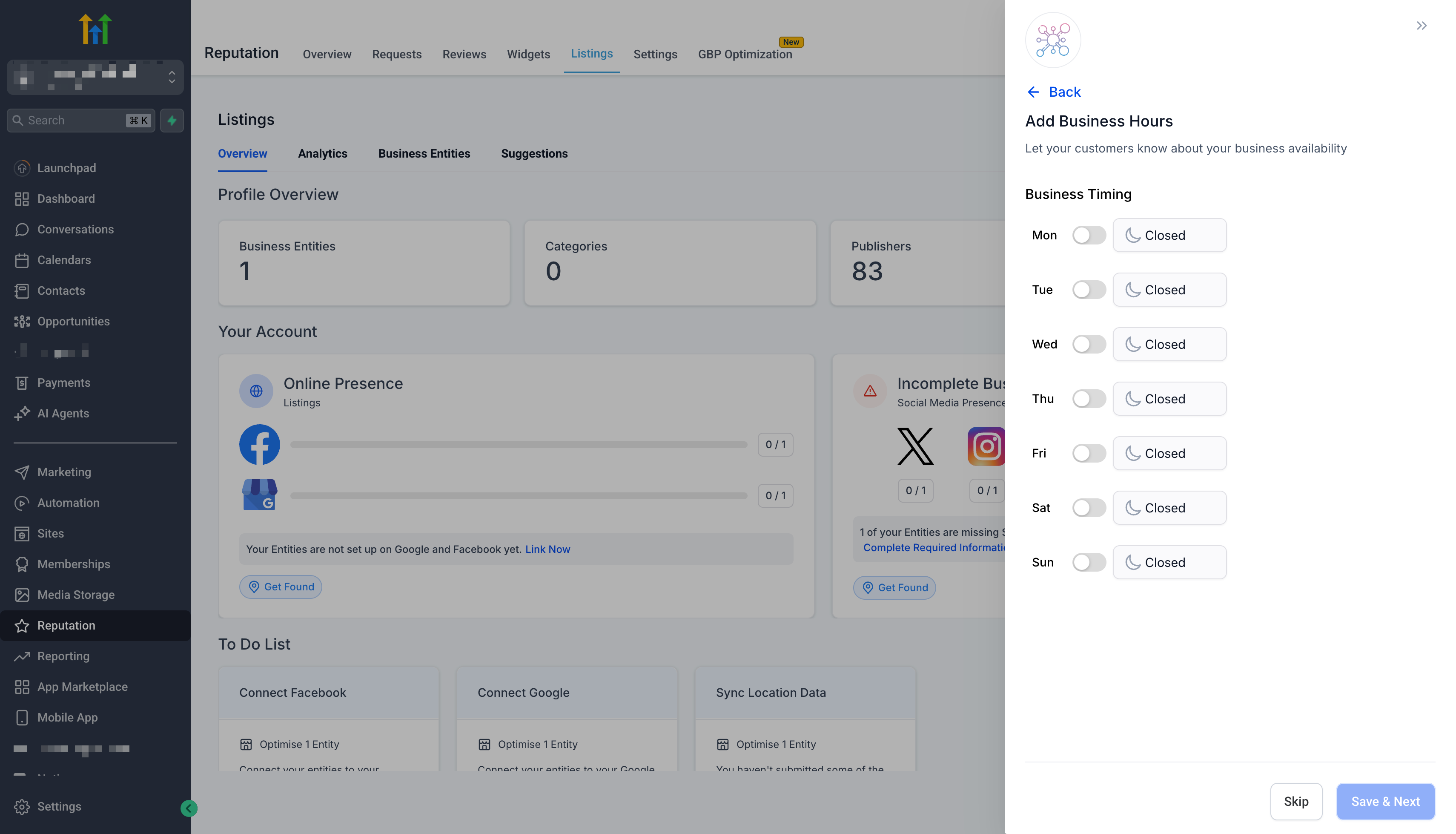
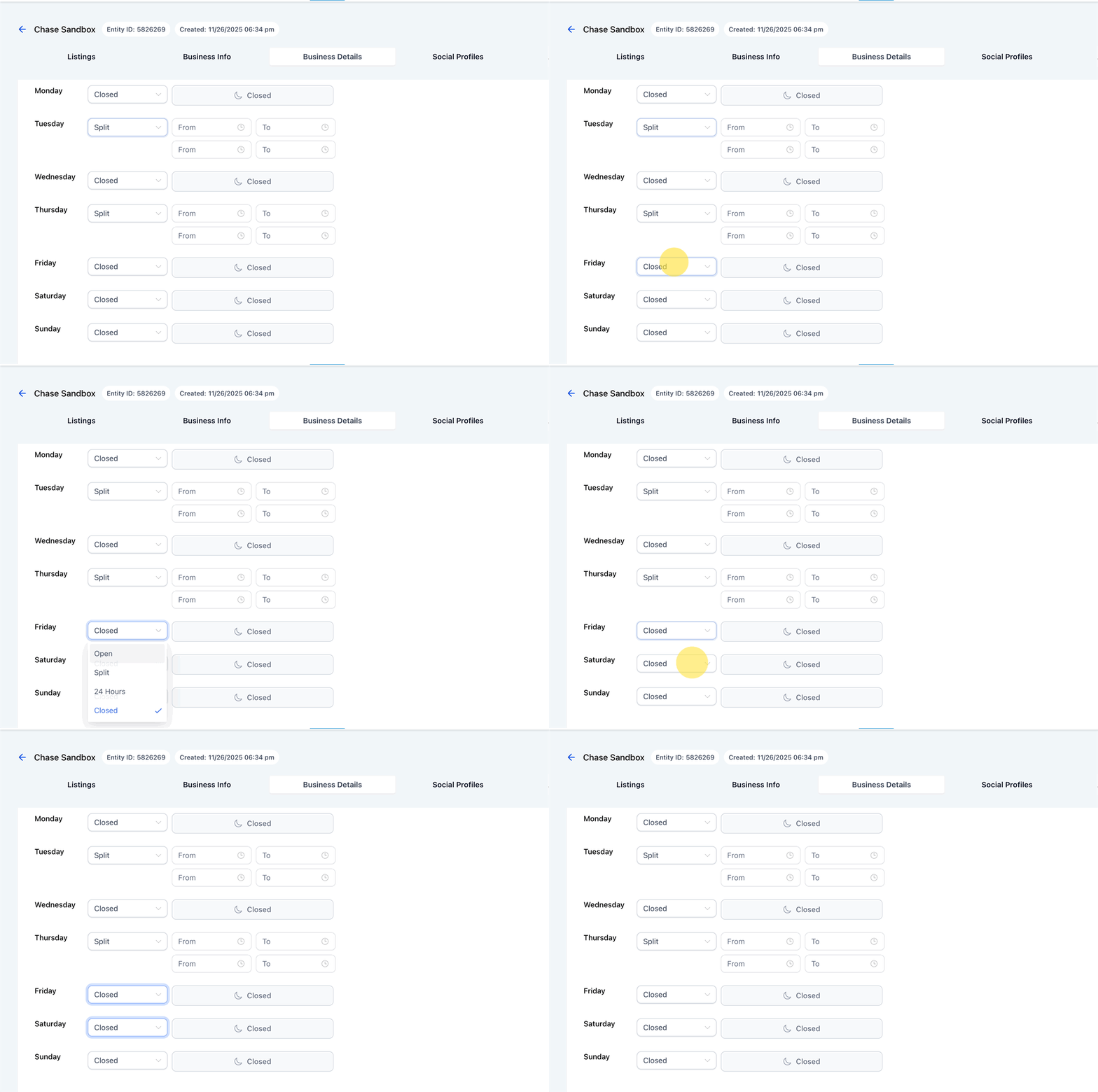
3. Under Business hours, select the day you want to configure.
4. Choose a schedule type:
- Split: Add multiple time blocks for the same day.
- 24 Hours: Mark the day as open all day.
- Open: Set one continuous time range.
- Closed: Mark the day as closed.
5. Enable Business open without set hours if the business is available but does not publish fixed operating hours.
6. Select Copy to all to apply the same setup across all days.
7. Save your changes.
Example: Split Hours (Lunch Break + Evening Shift)
- Monday 9:00 AM–12:00 PM
- Monday 1:00 PM–4:00 PM
- Monday 7:00 PM–9:00 PM
Frequently Asked Questions
Q. Does Listings still support standard hours?
Yes. You can still use a single continuous time range (Open) or mark days as Closed.
Q. What does “24 Hours” do?
It marks the selected day as open all day for round-the-clock businesses.
Q. What does “Business open without set hours” mean?
It indicates the business is available but does not publish fixed operating hours. This is useful for online businesses, automated services, or appointment-based operations.
Q. Will split hours publish everywhere the same way?
Split hours are supported for Listings using Yext and Uberall integrations. However, directory display can vary by publisher.
Q. I don’t see Split as an option. Why?
This feature is available for Listings users. If you don’t see it:
- Confirm you are editing hours in the Listings Business Details screen.
- Refresh and try again.
- If your account uses a different Listings engine or configuration, confirm whether the business is connected through Yext or Uberall.