How to Verify Your Phone Number on WhatsApp Business
Confirm your business phone number so you can start sending and receiving WhatsApp messages
Table of Contents
How to Verify Your Phone Number on WhatsApp Business
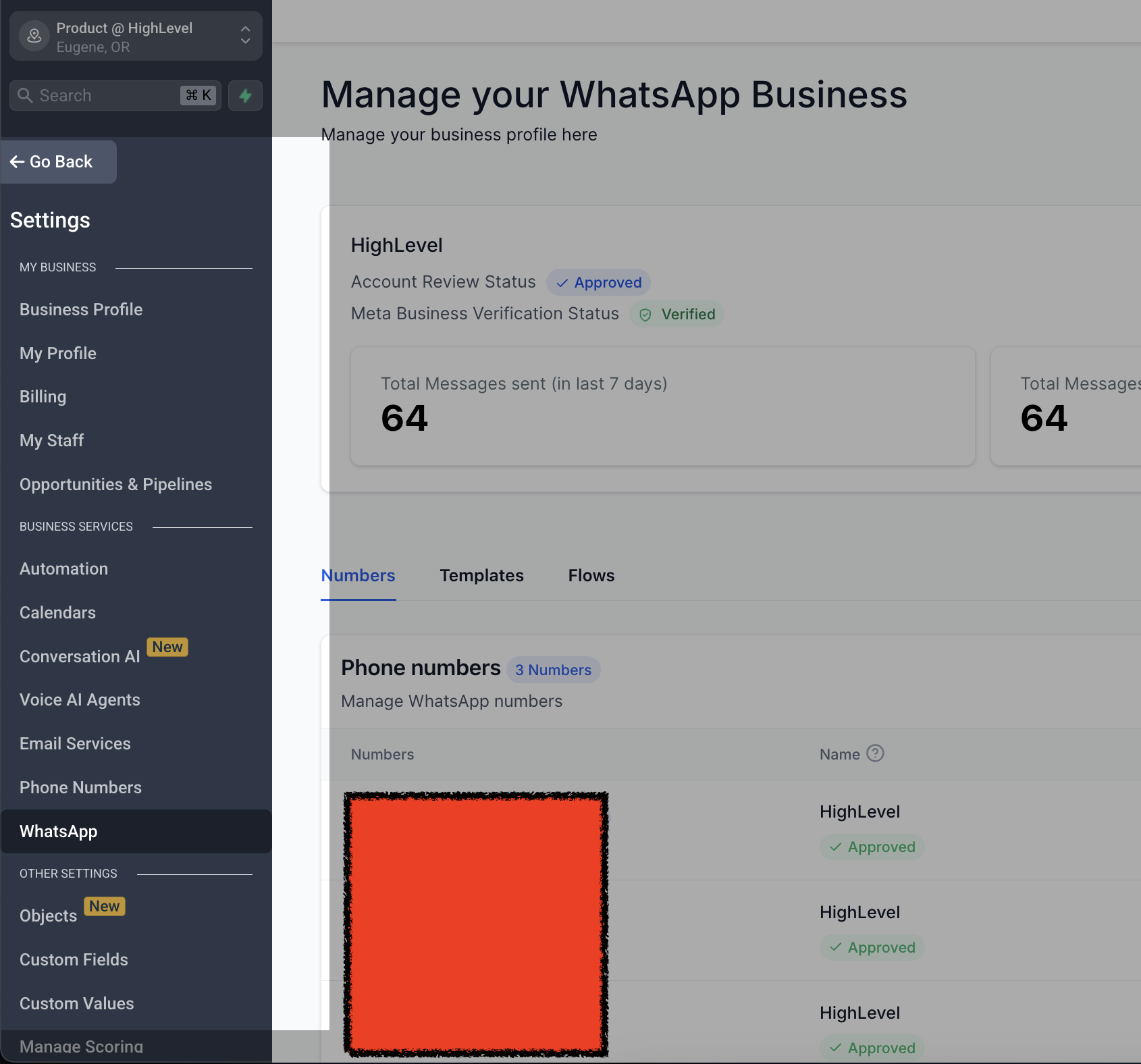
Access WhatsApp Settings
- Go to Settings.
- Select WhatsApp.
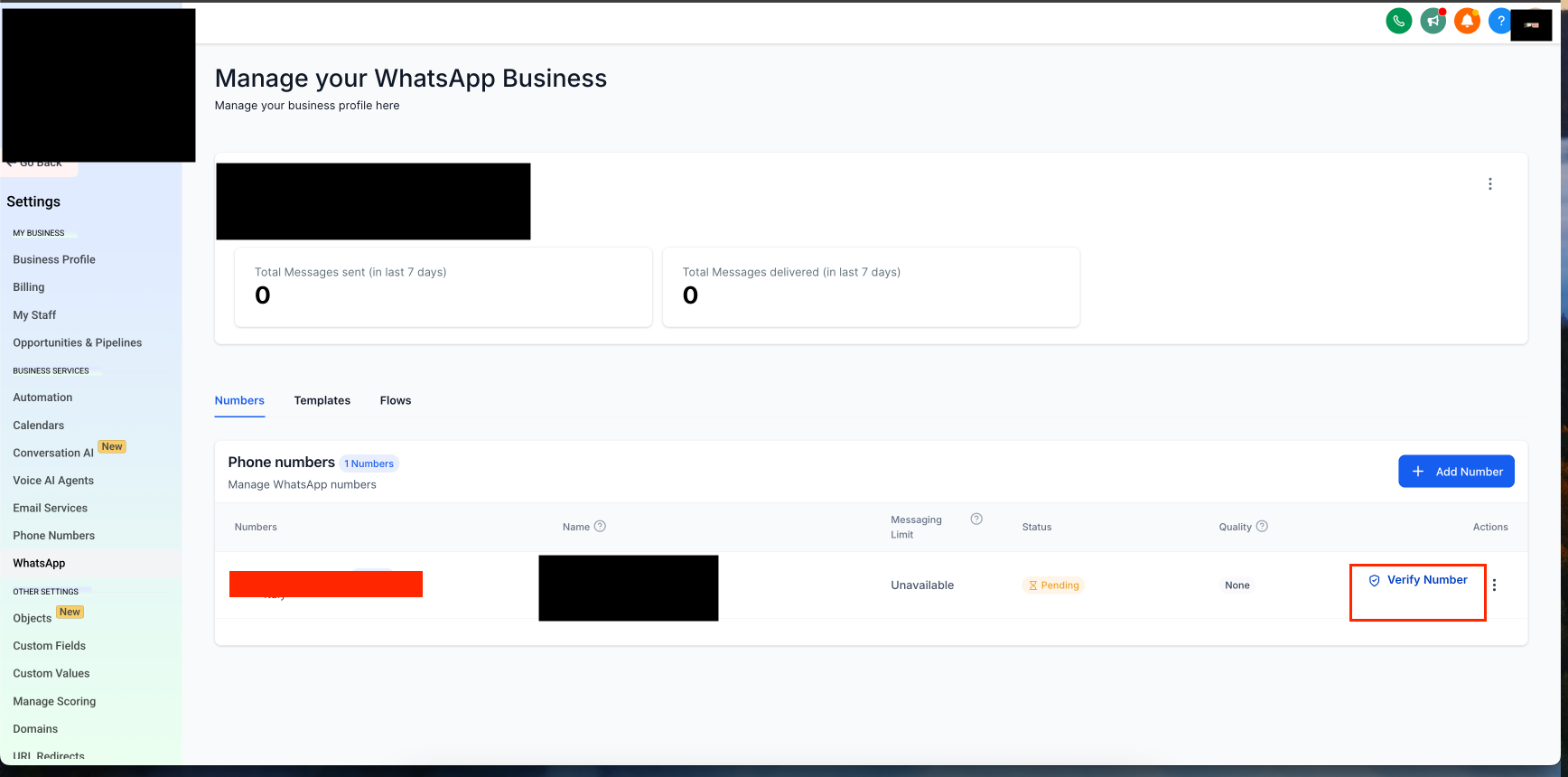
Start the Verification Process
- Click on Verify Phone Number.
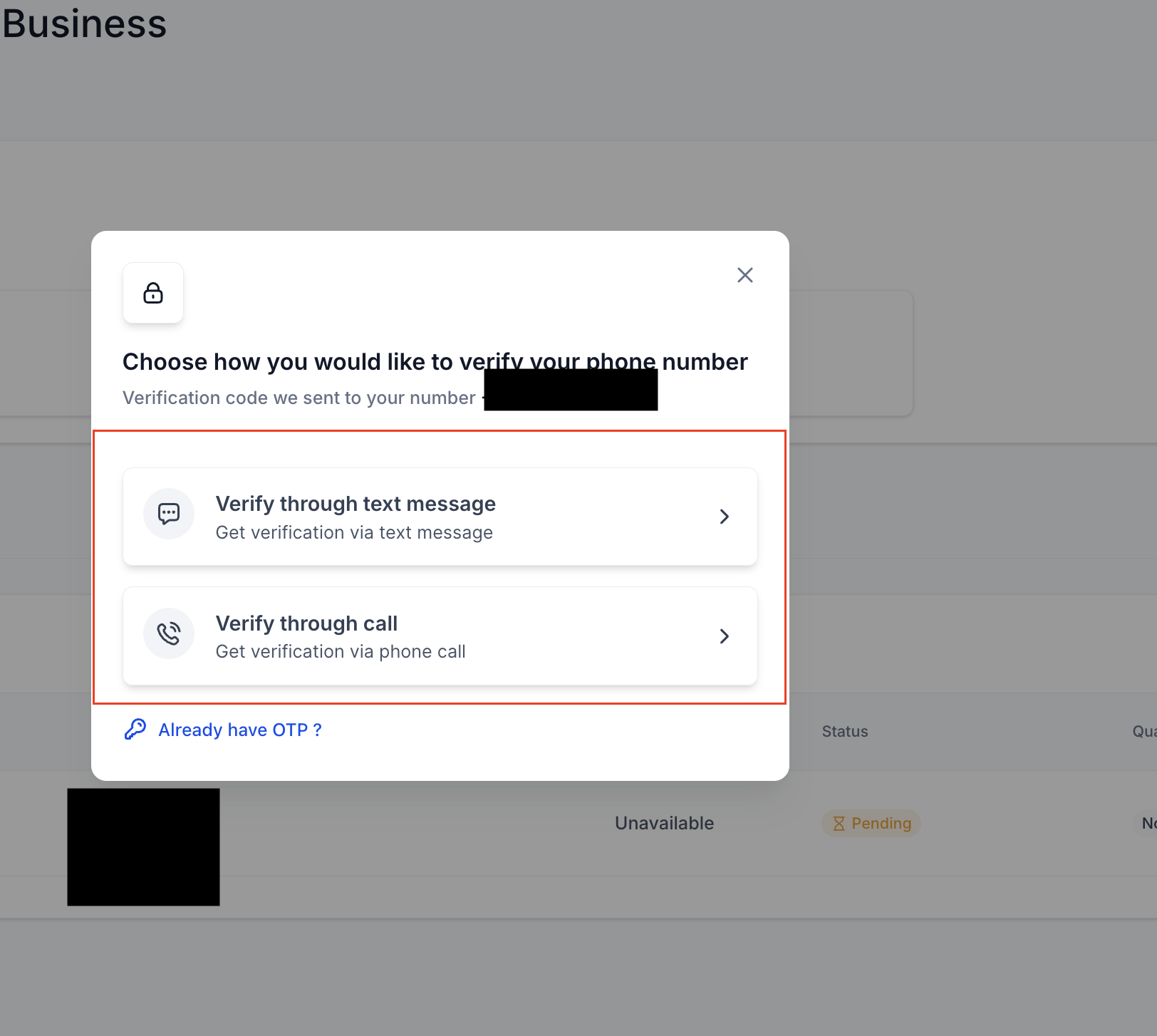
Choose Your OTP Delivery Method
- Select whether you want to receive the OTP via call or text message.
Complete Verification
- Enter the OTP when prompted.
- Once entered correctly, your phone number will be verified.
FAQ
Q1. Why do I need to verify my phone number on WhatsApp Business?
Verifying your phone number ensures that you can send and receive messages through WhatsApp Business. It also confirms that your business account is linked to the correct number.
Q2. How do I verify my phone number on WhatsApp Business?
Follow these steps to complete the verification:
- Go to Settings and select WhatsApp.
- Click on Verify Phone Number.
- Choose whether to receive the OTP via call or text message.
- Enter the received OTP to complete the verification process.
Q3. What should I do if I don't receive the OTP?
- Ensure your phone number is entered correctly.
- Check for network issues that may delay the message or call.
- If you did not receive the OTP, click Get another code to resend it.
- Restart your phone and try again.
Q4. Can I verify my phone number using an email instead?
No, WhatsApp Business requires verification via a phone number through SMS or a voice call.
Q5. How long does it take to verify my phone number?
The process is usually instant but can take a few minutes depending on network conditions.
Q6. What happens after my phone number is verified?
Once your phone number is verified, you can start using WhatsApp Business to send and receive messages.
Q7. Can I use the same phone number for both WhatsApp Business and WhatsApp Messenger?
No, a phone number can only be used on either WhatsApp Business or WhatsApp Messenger, not both at the same time. If you wish to switch, you will need to re-verify the number on the new platform.
Q8. What should I do if my phone number verification fails?
- Double-check that your phone number is correct.
- Ensure you have a stable internet connection.
- Try requesting the OTP again.
Was this article helpful?
That’s Great!
Thank you for your feedback
Sorry! We couldn't be helpful
Thank you for your feedback
Feedback sent
We appreciate your effort and will try to fix the article