Per-User Marketing Template Message Limits
How WhatsApp caps marketing messages per user, and how to keep your campaigns effective within those limits
Table of Contents
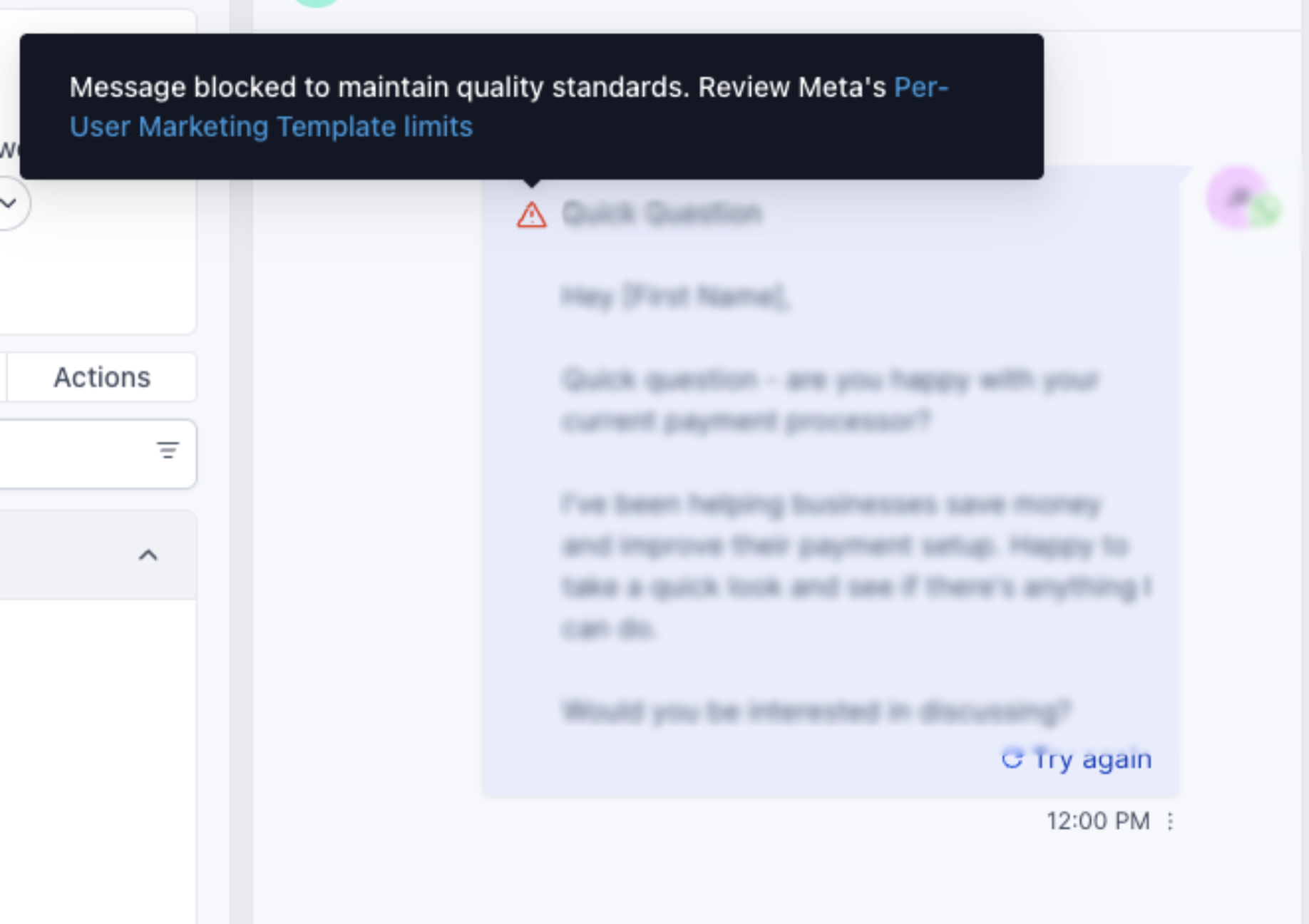
WhatsApp aims to create a positive and engaging experience for users while helping businesses build long-term ROI through meaningful conversations. To ensure users don't feel overwhelmed by excessive marketing messages, WhatsApp enforces per-user marketing message template limits.
These limits restrict the number of marketing messages a person can receive from any business within a given timeframe, helping maintain healthy engagement and protecting the user experience.
What Is It?
WhatsApp may limit the number of marketing template messages a person receives from any business in a given period of time, when that person is less likely to be receptive and engage with them. Per Meta's current documentation, this is determined by a number of factors, including:
- A dynamic view of the individual's recent marketing message read rate.
- How many messages they currently have in their inbox from friends, family, and businesses.
The limit adapts automatically over time based on a person's recent engagement levels. This may mean fewer messages are delivered to some users during periods of lower marketing read rates or overall inbox activity, but a business's ability to reach people when they are most engaged does not change.
Why It's Important
WhatsApp has found that per-user marketing template limits maximize message engagement and improve the user experience, measured through improvements in user read rates and sentiment. This limit helps WhatsApp users find business messaging more valuable and feel less like they receive too many business messages.
How This Applies to Your Business
The limit only applies to marketing template messages that would normally open a new marketing conversation. If a marketing conversation is already open between you and a WhatsApp user, you may send one additional marketing template message. Further marketing template messages can only be sent in an open marketing conversation if the person responds to any message.
Why WhatsApp Enforces These Limits
The goal of these limits is to:
- Prevent users from receiving too many marketing messages.
- Encourage businesses to send more relevant and personalized content.
- Improve message delivery to users who are genuinely interested in your products or services.
Since these limits were introduced, WhatsApp has observed significant improvements in both user sentiment and business performance metrics.
How Limits Are Counted
Each marketing template message delivered counts toward the per-user marketing limit. If a WhatsApp user responds to a marketing message, it starts a 24-hour customer service window. Marketing messages sent within this window do not count toward the limit.
Example:
• The first marketing template message is delivered and opens a new 24-hour marketing conversation customer service window. The per-user marketing template message limit applies.
• A second marketing template message can be sent in an existing conversation.
• Each time the WhatsApp user responds in an existing conversation window, you can send one additional marketing template message. You can also send unlimited free-form messages within that window.
United States Phone Numbers
WhatsApp does not currently deliver marketing template messages to WhatsApp users with United States phone numbers (numbers composed of a +1 dialing code and a US area code). This pause is intended to let Meta focus on building a better consumer experience in the US, which is expected to lead to improved outcomes for businesses over time. Attempting to send a marketing template message to a WhatsApp user with a US phone number will result in an error. If your contact base includes US numbers, plan your marketing campaigns around this restriction, and consider Utility or Authentication templates for transactional communication with those contacts instead.
Excluded Countries
Per-user marketing template message limits are not currently active for messages sent from a business phone number in the European Economic Area, United Kingdom, Japan, or South Korea, or to a WhatsApp user in these countries. If most of your audience is in one of these regions, the per-user limit described in this article does not currently apply to those conversations — though general messaging limits and quality rating rules still do.
Error Code 131049 and Retry Limits
If a marketing template message is not delivered because the per-user marketing template limit has been reached, the messages webhook is triggered with status set to failed and error code set to 131049.
To ensure your campaigns are most likely to reach your audience, Meta recommends waiting at least 24 hours before attempting to resend a marketing template message to a user who has reached their limit. Resending earlier will likely result in additional error responses and can reduce the accuracy of your campaign delivery reporting.
Repeated retries can extend the block: WhatsApp enforces limits on excessive retry attempts. If your WhatsApp Business Account (WABA) attempts to resend marketing messages multiple times within a 24-hour period to a user who has already reached their limit, further delivery attempts to that user may become unavailable for up to 24 hours, and error code 131049 will continue to be returned. This does not affect your ability to send marketing messages to other users whose limits have not been reached.
Recent Updates to Marketing Template Limits
WhatsApp has recently refined how these limits are determined. The updated system now takes into account several factors, including:
- The number of marketing messages a user has already received from any business.
- The user's inbox activity.
- The user's recent engagement levels with marketing messages.
These refinements help WhatsApp better assess if a user is open to receiving more marketing communications.
What This Means for Your Business
You may notice a decrease in the number of marketing messages delivered. However, this change ensures that your messages are reaching highly engaged customers — the ones most likely to read, interact, and convert.
Focusing on relevant and personalized marketing content will help you maximize engagement and ROI within these parameters.
Best Practices
To make the most of these updates:
- Target active and recently engaged users.
- Regularly review message performance and engagement metrics.
- Optimize your content for relevance and timing.
- Use Utility or Authentication templates for transactional and service-related communication.
- Wait at least 24 hours before resending a marketing template to a user who returned error 131049 — do not retry immediately.
- Exclude US (+1) numbers from marketing template campaigns until Meta lifts the current delivery pause for that market.
If you receive one of these error codes and suspect it is due to the per-user limit, avoid immediately resending the template message, as it will only result in another error response and may temporarily block further attempts to that user for up to 24 hours.
Was this article helpful?
That’s Great!
Thank you for your feedback
Sorry! We couldn't be helpful
Thank you for your feedback
Feedback sent
We appreciate your effort and will try to fix the article