This article explains how Marketing Audit Reports detect a prospect’s website, how each detection outcome is categorized, and what appears in customer-facing Web and PDF reports. It helps agencies understand whether a business truly has no website, has a broken/unreachable site, or is still waiting on data.
TABLE OF CONTENTS
- What is Website Detection in Marketing Audit Reports?
- Key Benefits Of Website Detection in Marketing Audit Reports
- How Website Detection in Marketing Audit Reports Works
- Website Detection Outcomes and What They Mean
- Outcome 1: No Website Found
- Outcome 2: Website Found but Not Reachable
- Outcome 3: Waiting for Data
- Frequently Asked Questions
- Relevant Articles
What is Website Detection in Marketing Audit Reports?
Website Detection is the logic Marketing Audit Reports use to determine whether a business has a website and how that website should be represented in the report. The system checks multiple sources (including Google Business Profile and Local Listings) and then assigns a clear outcome instead of a simple “found/not found.”
Key Benefits Of Website Detection in Marketing Audit Reports
- More Accurate Detection: The system uses multiple fallback sources (including Google Business Profile and Local Listings) to detect a website when the primary source does not return one.
- Clearer Outcomes for Better Conversations: Reports distinguish between “no website,” “website exists but is unreachable,” and “data is still being fetched,” helping agencies explain results and position services.
- Better Customer-Facing Consistency: Customer-facing Web/PDF reports can show clear, categorized website outcomes instead of a binary status.
How Website Detection in Marketing Audit Reports Works
- Generate or view a Marketing Audit Report for a prospect in the Prospecting Tool. (The report runs website detection as part of building the audit.)
- The system attempts to detect the business website using multiple sources, including:
- Google Business Profile (GBP)
- Local Listings
- Google Business Profile (GBP)
- The report assigns one of the website detection outcomes below and displays it based on customer-facing rules.
Website Detection Outcomes and What They Mean
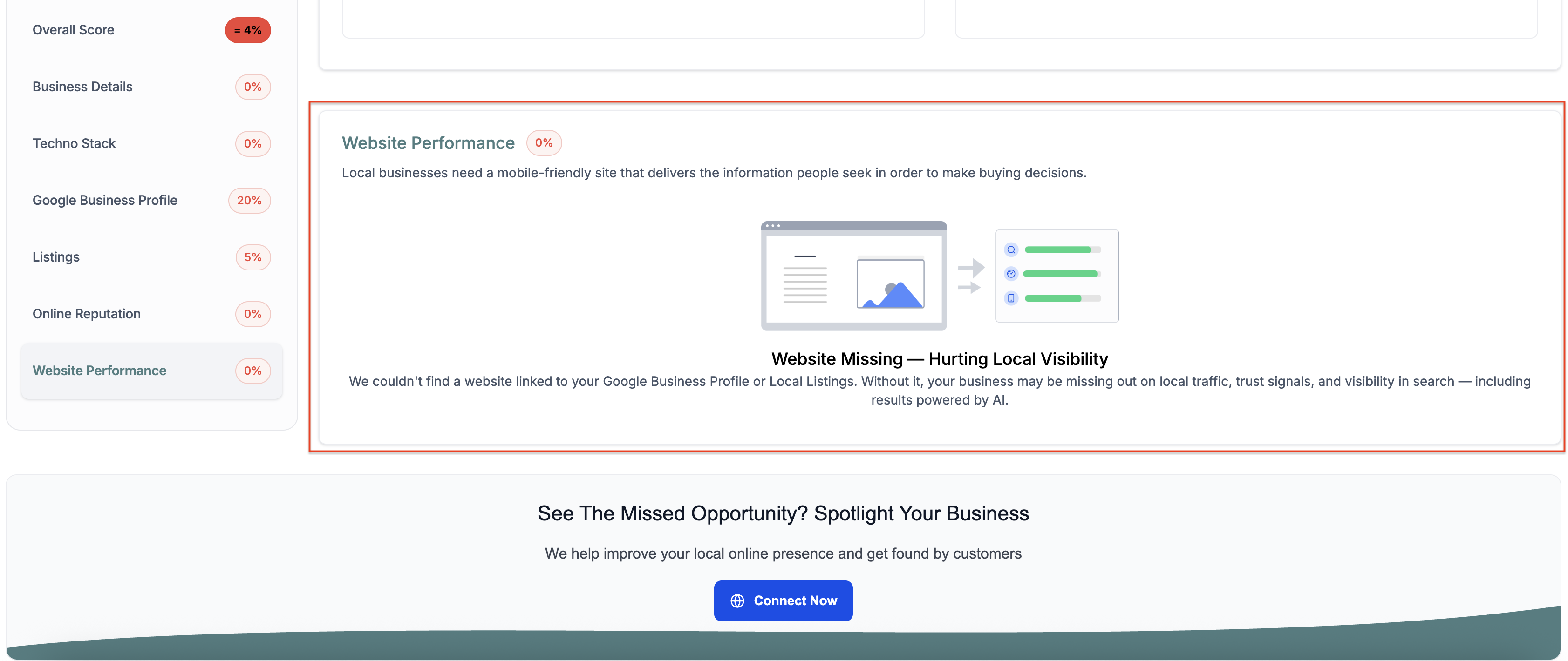
Outcome 1: Website Missing
- Meaning: The business appears to have no website listed across supported sources (for example, GBP and Local Listings).
- Customer-facing behavior: Included in customer-facing Web and PDF reports.
- Recommended agency action: Use this as a website build opportunity.
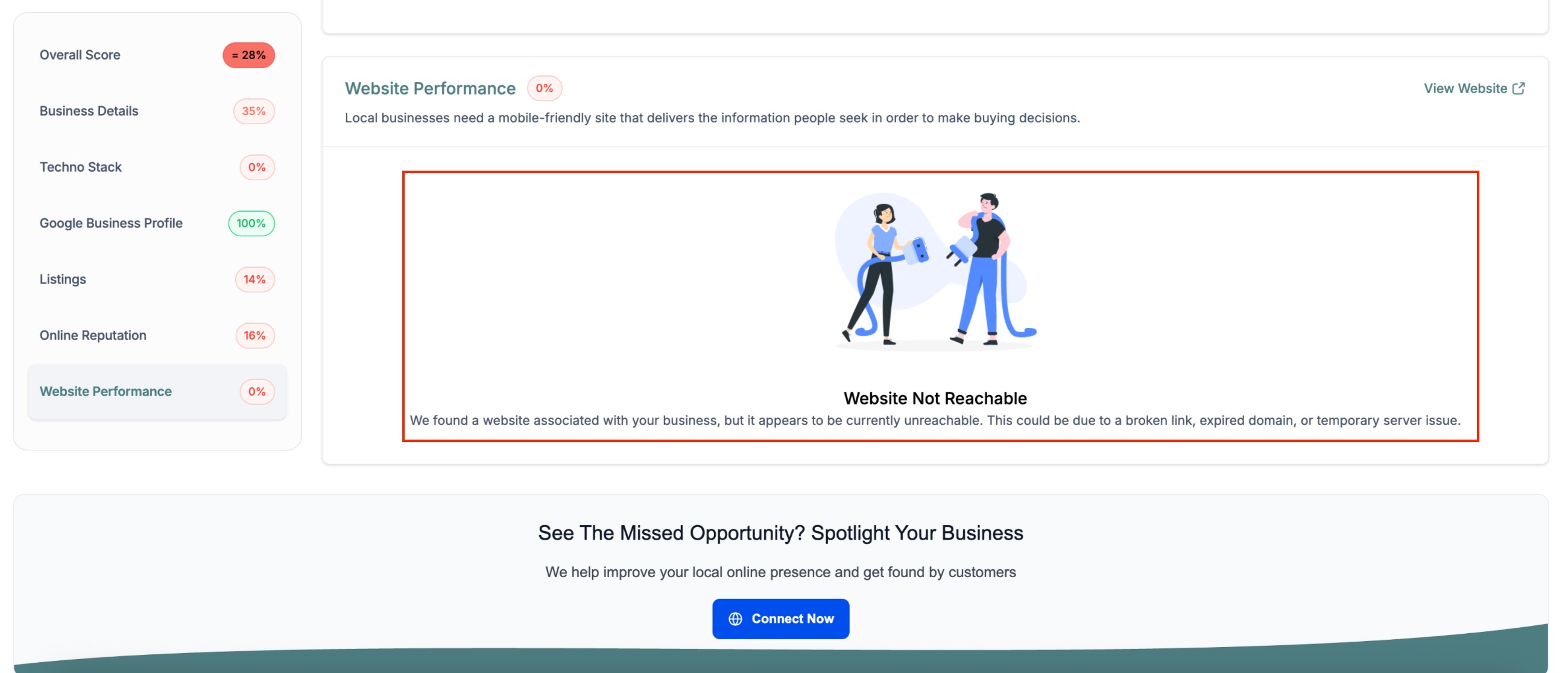
Outcome 2: Website Not Reachable
- Meaning: A website exists, but it is unreachable (for example, expired domain, broken link, or server issue).
- Customer-facing behavior: Included in customer-facing reports with an explanatory message.
- Recommended agency action: Use this as a website fix/recovery opportunity.
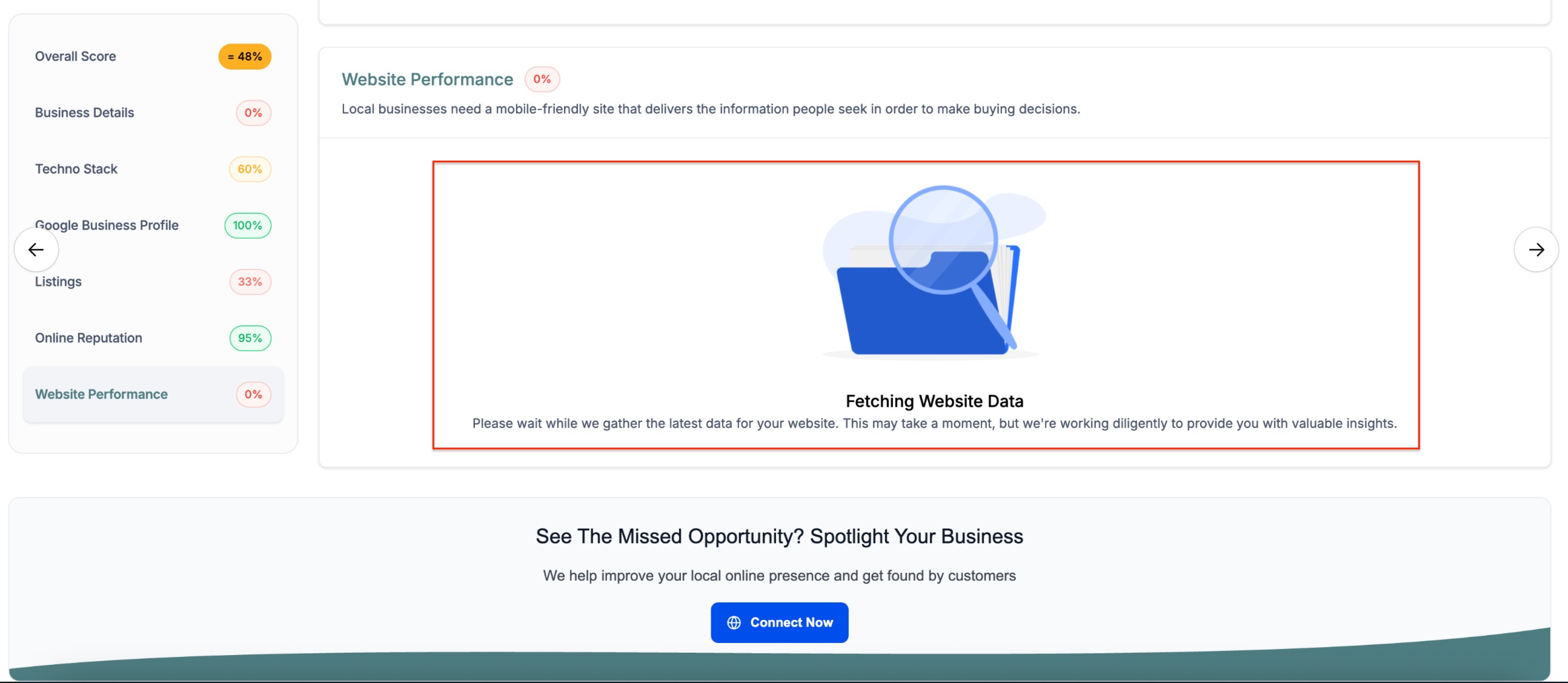
Outcome 3: Fetching Website Data
- Meaning: The detection request is still in progress or temporarily delayed (for example, service delay or timeout while fetching).
- Customer-facing behavior: Not included in customer-facing reports until the system successfully fetches the data.
Frequently Asked Questions
Q. Why does the report say “No Website Found” if the business actually has a website?
The report can only use what it can detect from supported sources (including GBP and Local Listings). If the website is missing from those sources, the report may not find it.
Q. What does “Website Found but Not Reachable” mean?
A URL was found, but the site could not be accessed at the time of detection (for example, expired domain, broken link, or server issue).
Q. Why don’t customers see the “Waiting for Data / Still Fetching Data” state?
Customer-facing Web/PDF reports do not include the in-progress state until the system fetches website data successfully.
Q. Can the website status change later?
Yes. If listing data changes (for example, the business updates GBP) or if a previously unreachable site becomes reachable, the detected state can change when reports are generated again.
Relevant Articles
Was this article helpful?
That’s Great!
Thank you for your feedback
Sorry! We couldn't be helpful
Thank you for your feedback
Feedback sent
We appreciate your effort and will try to fix the article