Voice AI Public APIs give developers direct access to manage Voice AI configuration and connect call data to outside systems. Instead of relying only on in-app controls, teams can use APIs to manage agents and actions, retrieve call logs and transcripts, and work with webhook-driven workflows. This makes Voice AI easier to automate, scale, and integrate with operational tools.
TABLE OF CONTENTS
- What is Voice AI Public APIs?
- Key Benefits of Voice AI Public APIs
- Manage Agents and Actions
- Retrieve Call Data
- Use Voice AI Webhooks
- Knowledge Base and Future API Capabilities
- How To Setup Voice AI Public APIs
- Frequently Asked Questions
- Related Articles
What is Voice AI Public APIs?
Voice AI Public APIs extend HighLevel Voice AI beyond the user interface by giving developers programmatic access to core Voice AI capabilities. With these APIs, businesses can manage agents and actions, retrieve call data such as logs and transcripts, and connect Voice AI activity to external systems for reporting, compliance, analytics, and automation. HighLevel positions this as a way to make Voice AI not only usable inside the platform, but also buildable inside broader workflows and applications.
Key Benefits of Voice AI Public APIs
Programmatic access to Voice AI helps teams standardize setup, reduce manual work, and connect call intelligence to the rest of their stack. This is especially valuable for businesses managing multiple agents, custom workflows, or external reporting needs.
Agent management at scale: Create, update, and organize Voice AI agents and their actions without relying only on manual in-app changes.
Faster integrations: Connect Voice AI activity with internal tools, third-party apps, and workflow automation more efficiently.
Better call visibility: Retrieve call logs and transcripts for reporting, quality assurance, analytics, and compliance use cases.
Real-time workflow potential: Use webhook-based processes to move Voice AI events and outcomes into your own systems.
Stronger operational flexibility: Build custom workflows around Voice AI instead of being limited to the UI alone.
Manage Agents and Actions
Managing agents and actions through API access helps teams automate setup, maintain consistency, and support custom Voice AI deployments across locations or workflows. It also creates a cleaner path for teams that want to build their own provisioning or configuration processes around HighLevel Voice AI.
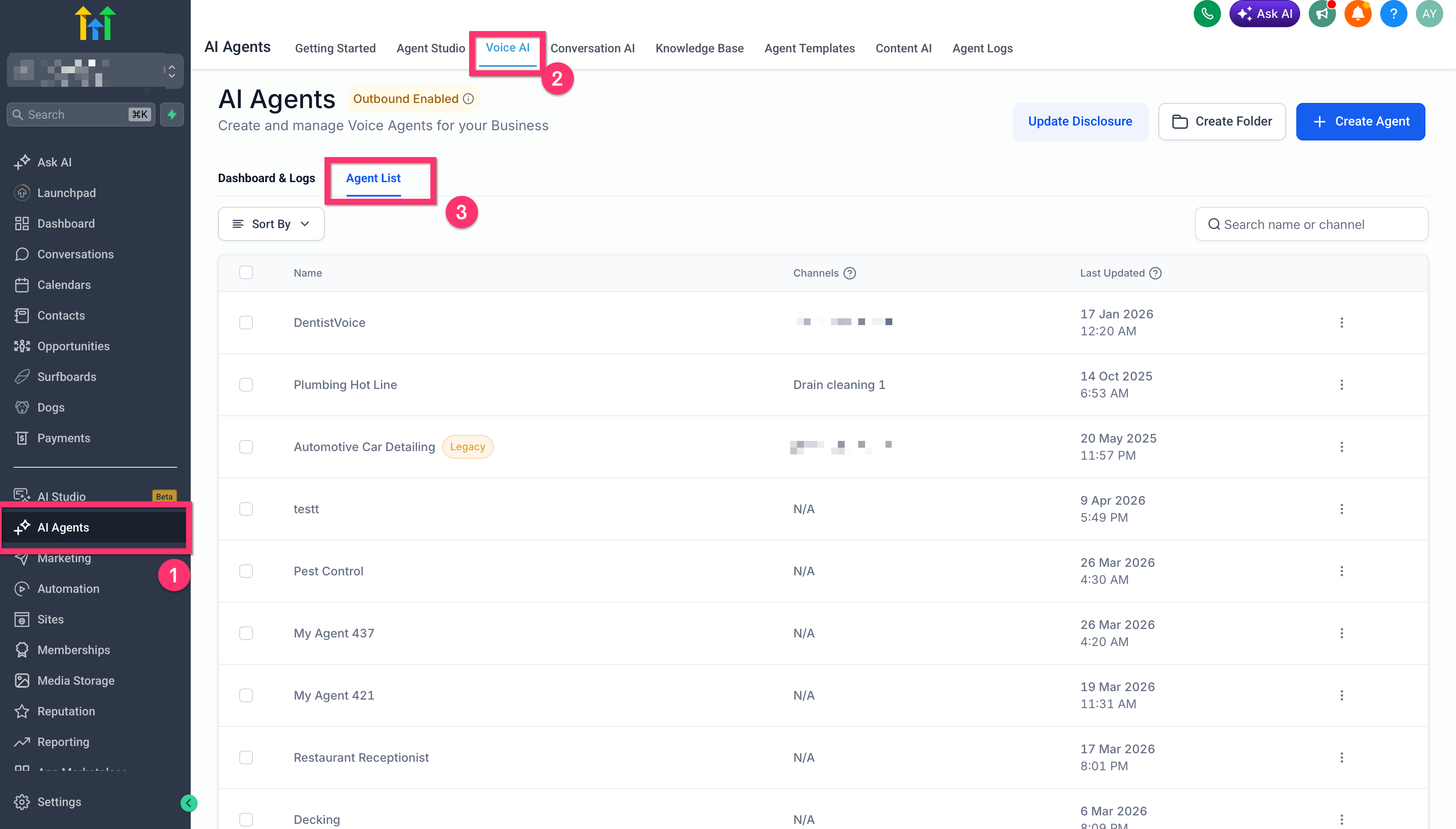
Voice AI Public APIs allow you to programmatically manage agents and actions. This aligns with HighLevel’s broader Voice AI structure, where agents can be created and configured in-app with prompts, integrations, assigned numbers, and other settings. For teams handling larger-scale deployments, API-based management can reduce repetitive setup work and support more controlled implementation workflows.
It is important to keep the term actions clear. HighLevel already documents Voice AI Custom Actions as a feature that enables real-time webhook integrations during live calls, allowing agents to interact with external systems mid-conversation. When writing or training users internally, make sure they understand that the public API article refers to managing Voice AI capabilities programmatically, while the Custom Actions article explains the live call integration behavior in more detail.
Retrieve Call Data
Access to call data helps teams turn conversations into useful records, reports, and automations. This is especially helpful for operations that need post-call visibility, performance tracking, or downstream actions based on what happened during the call.
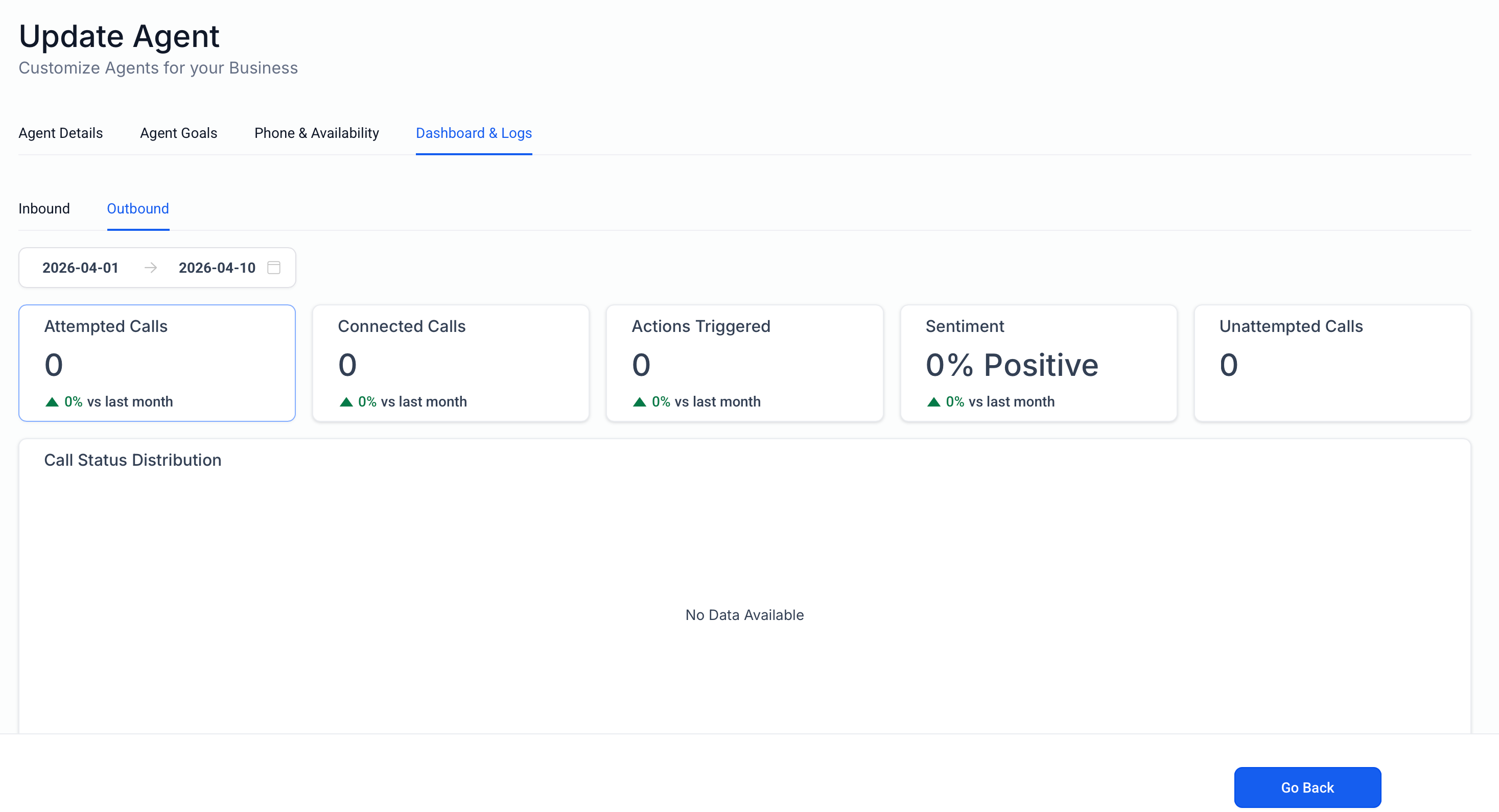
Voice AI Public APIs support retrieval of call logs and transcripts. This gives businesses a way to move Voice AI conversation data into reporting systems, compliance processes, QA reviews, or other external workflows. HighLevel also supports transcript-based workflow automation through the Transcript Generated trigger, which shows how transcript data can support follow-up actions once a call has ended.
For teams building around post-call intelligence, this means Voice AI data can support use cases such as summarization review, internal notifications, CRM enrichment, and operational reporting. The API article should stay high level here and direct technical users to the official API documentation for endpoint-specific implementation details.
Use Voice AI Webhooks
Webhook-based workflows help teams respond faster by sending Voice AI outcomes to external systems without waiting for manual review. This makes it easier to connect calling activity to CRMs, internal databases, alerts, or custom applications.
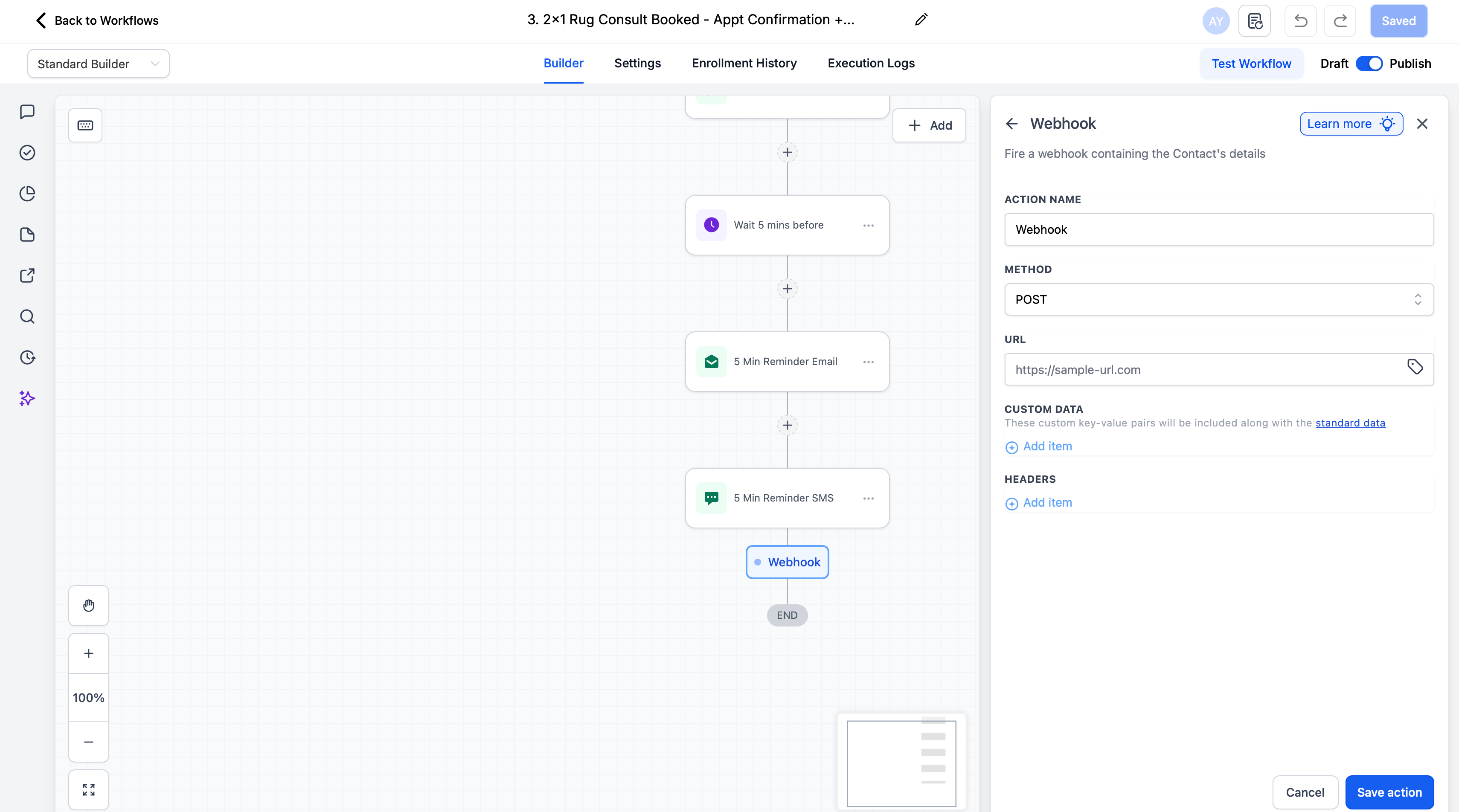
HighLevel’s Voice AI Public APIs support webhook-based integration patterns so users can receive call-related outcomes, transcripts, and summaries in their own systems. HighLevel also documents related webhook behavior in other areas, including Custom Webhook workflow actions and Voice AI Custom Actions. While these are related concepts, they should not be treated as identical. The Voice AI Public APIs article should describe the Voice AI integration value clearly, then link users to the relevant workflow or custom action articles when they need implementation patterns outside the API overview.
This positioning helps users understand that Voice AI can participate in both live-call integrations and post-call automation, depending on the workflow they are building.
Knowledge Base and Future API Capabilities
Separating live functionality from roadmap items helps avoid confusion and sets the right expectations for implementation. This is especially important when similar Voice AI features already exist in the platform under different configuration models.
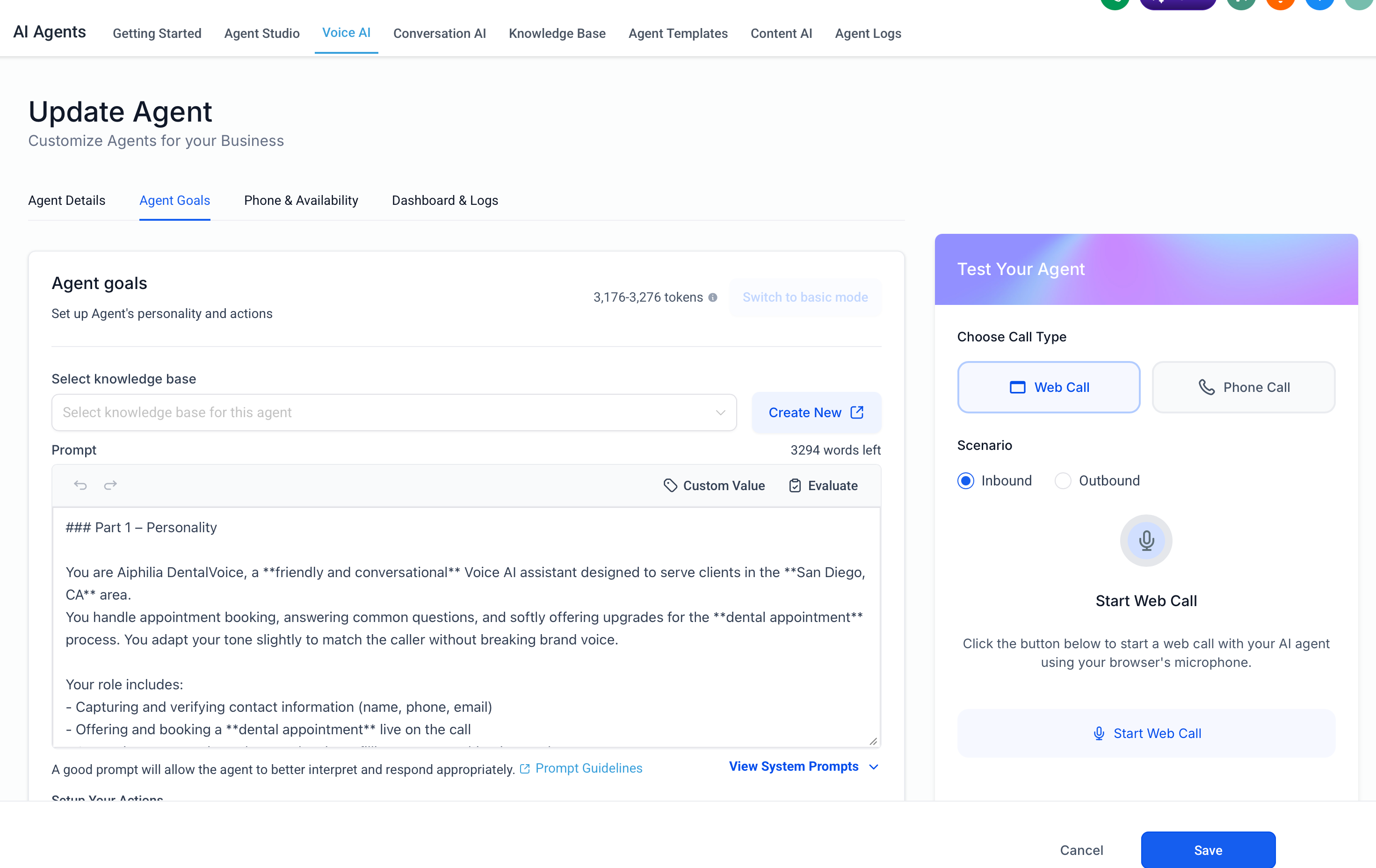
Today, HighLevel already supports Knowledge Base Integration for Voice AI Agents, which allows a specific knowledge base to be assigned to a Voice AI agent so the agent can return relevant answers based on configured prompts. That is an existing feature in the current Voice AI product experience.
Separately, the Voice AI Public APIs overview states that Knowledge Base Support via Actions API is planned as a future enhancement. This should be described as an upcoming capability, not a currently released one, unless the official documentation is updated to confirm release. The same applies to the upcoming Voices API, which is described as a future way to retrieve available voices and voice details.
How To Setup Voice AI Public APIs
A proper setup path helps developers move from product understanding to implementation without guessing where to begin. Since endpoint details, authentication methods, and technical requirements live in the developer documentation, the setup guidance in this article should stay focused on readiness and navigation.
Confirm that Voice AI is already part of your HighLevel workflow and that your team understands how Voice AI agents are configured in the platform. This gives developers the right context before they begin building around agents, actions, call data, or webhooks.
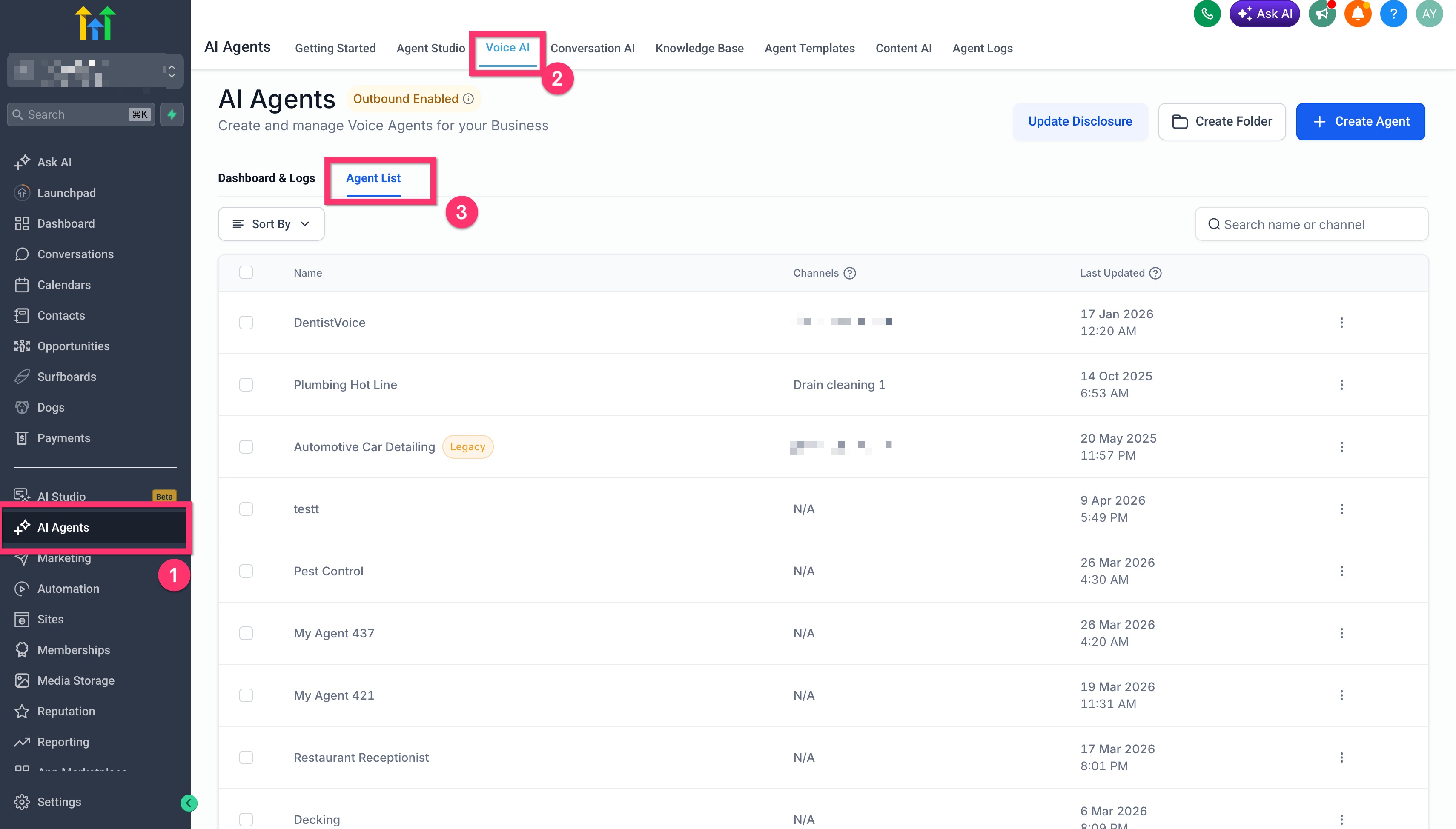
Review the Voice AI Public APIs overview article to understand the current public capability areas: agent and action management, call data retrieval, and webhook-based integrations.
Open the HighLevel API Documentation to access the official developer reference for authentication, available endpoints, rate limits, OAuth setup, and implementation guidance.
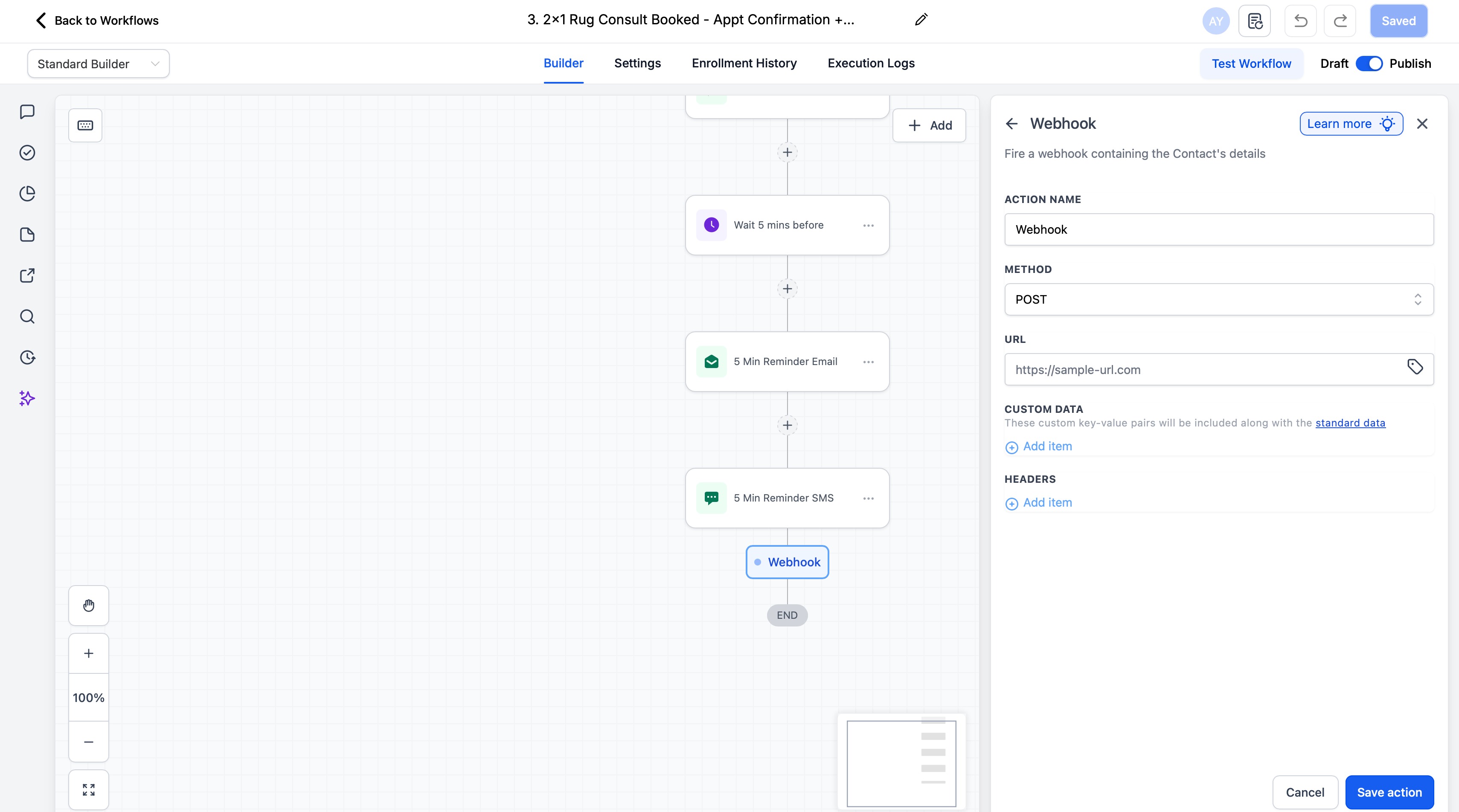
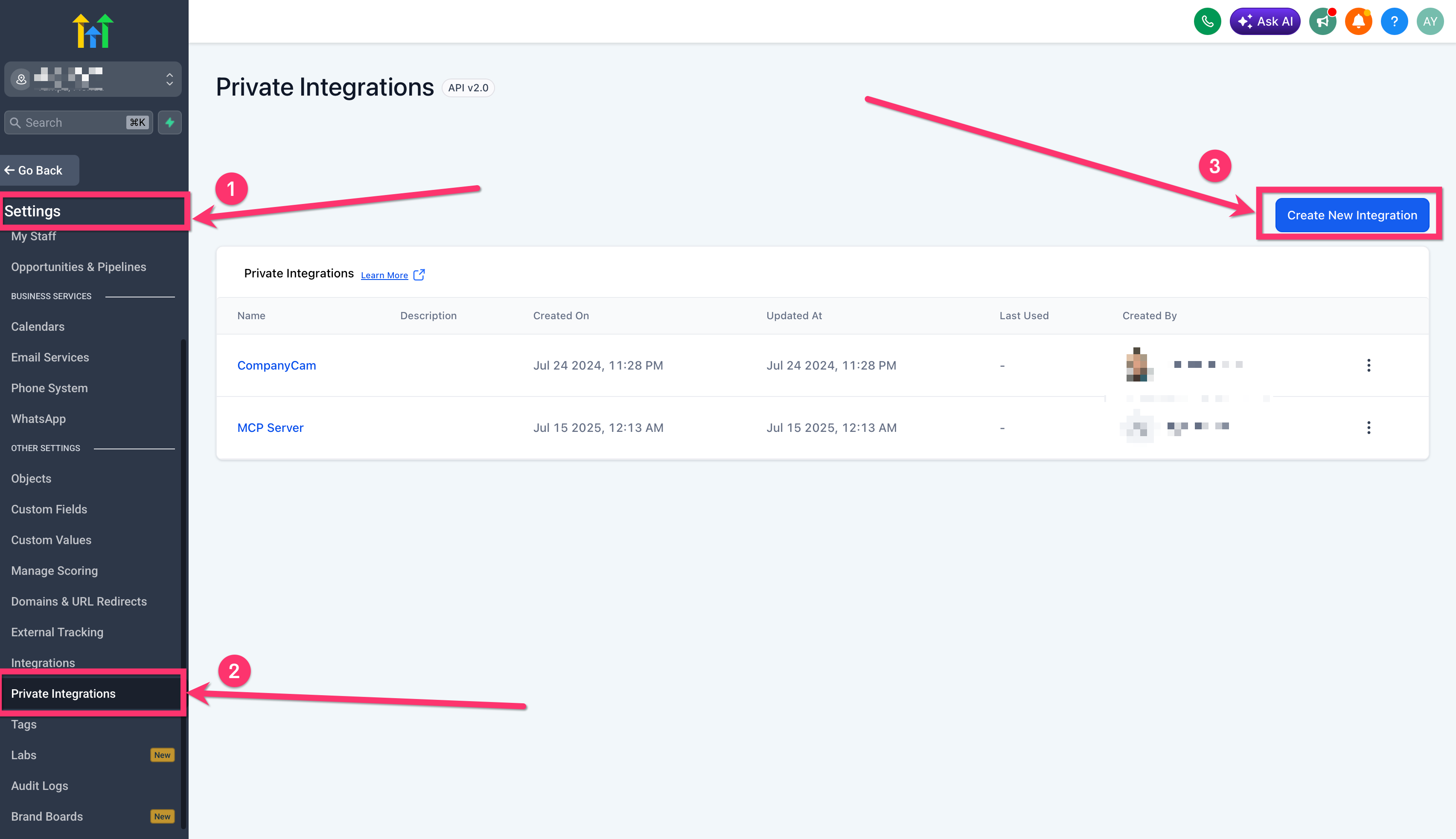
If you are building a secure internal connection to your own tools, review Private Integrations: Everything you need to know so your team can choose the right integration approach for custom systems and automated workflows.
Map your use case before implementation. For example, decide whether you need to provision agents programmatically, export transcripts for reporting, receive Voice AI outcomes in another system, or support live-call integrations with Custom Actions. This reduces overlap between Voice AI APIs, workflow webhooks, and Custom Actions.
Build and test in a controlled environment, then validate the behavior of your agent updates, transcript retrieval, or webhook-based workflows before wider rollout. When needed, use related Voice AI and workflow articles to confirm how the UI-based features behave alongside your API implementation.
Frequently Asked Questions
Q: What can I do with Voice AI Public APIs today?
HighLevel’s current Voice AI Public APIs overview says you can manage agents and actions, retrieve call logs and transcripts, and connect real-time webhooks to your workflows.
Q: Does this article replace the official API documentation?
No. This article should explain what the feature does and how to approach setup, while the official API documentation remains the source for authentication, endpoint details, rate limits, and implementation specifics.
Q: Is Knowledge Base support through the Actions API already available?
The Voice AI Public APIs overview describes Knowledge Base Support via the Actions API as a future capability. Current Knowledge Base Integration for Voice AI Agents is a separate existing feature already documented in the KB.
Q: Are Voice AI Custom Actions the same as Voice AI Public APIs?
No. Voice AI Custom Actions are documented as real-time webhook integrations during live calls. Voice AI Public APIs are the broader programmatic access layer for managing Voice AI capabilities and retrieving data.
Q: Can I use Voice AI call data in automations?
Yes. HighLevel documents transcript-based automation through the Transcript Generated workflow trigger, and the public API overview also confirms access to call logs and transcripts for external workflows and reporting.
Q: Where should I start if I want to connect Voice AI to my own app or internal tool?
Start with the HighLevel API Documentation, then review Private Integrations if your use case involves a secure internal connection rather than a public Marketplace app.
Related Articles
Was this article helpful?
That’s Great!
Thank you for your feedback
Sorry! We couldn't be helpful
Thank you for your feedback
Feedback sent
We appreciate your effort and will try to fix the article