Create and manage internal tasks for your team from the Tasks List page. Internal tasks can be created without associating them with a contact, making it easier to manage team responsibilities and other operational work.
Create Contactless Tasks
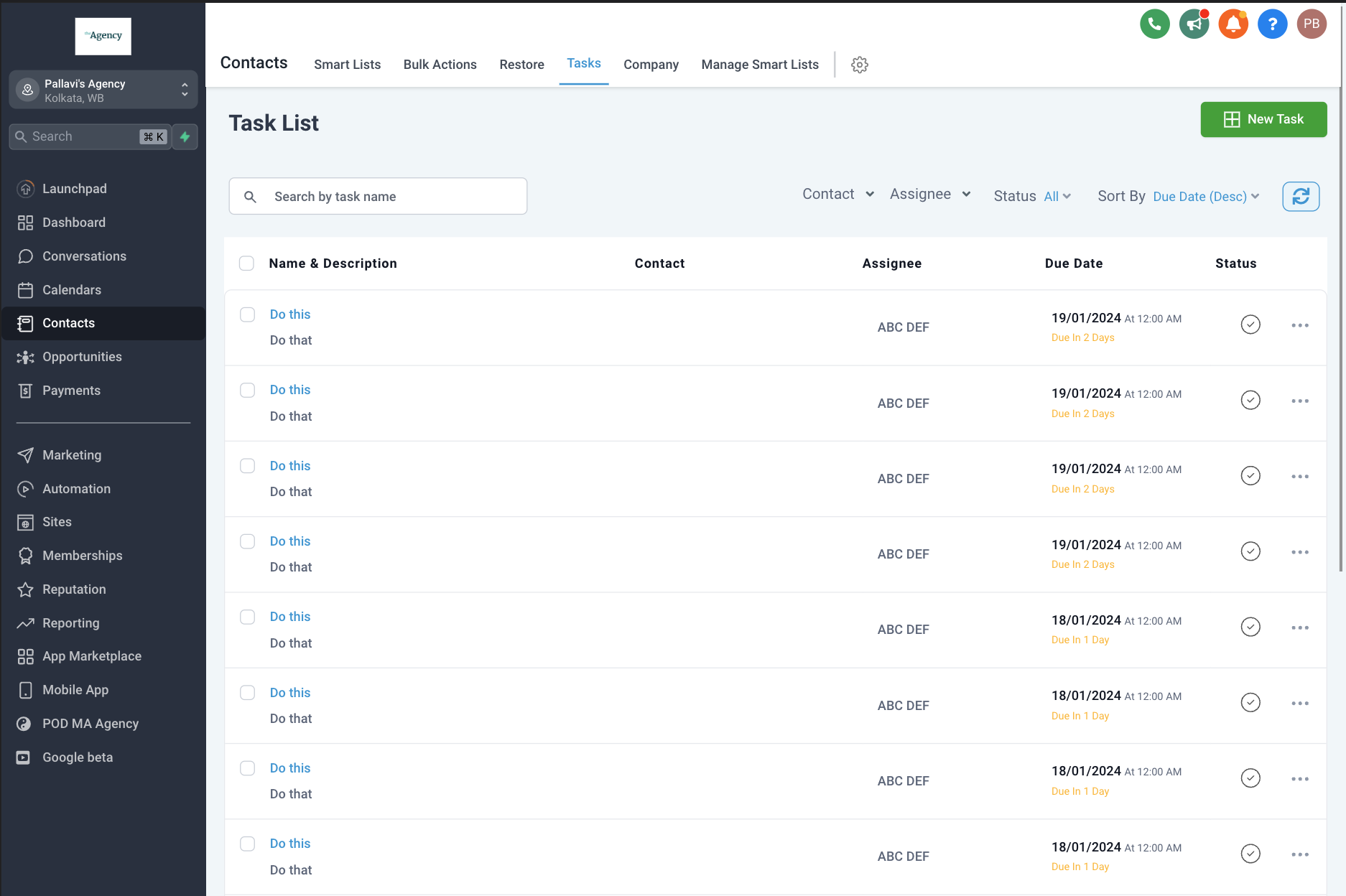
Create tasks from the Tasks List page without associating them with a specific contact. These tasks can be assigned to team members to help manage internal work and responsibilities.
Filter Internal Tasks
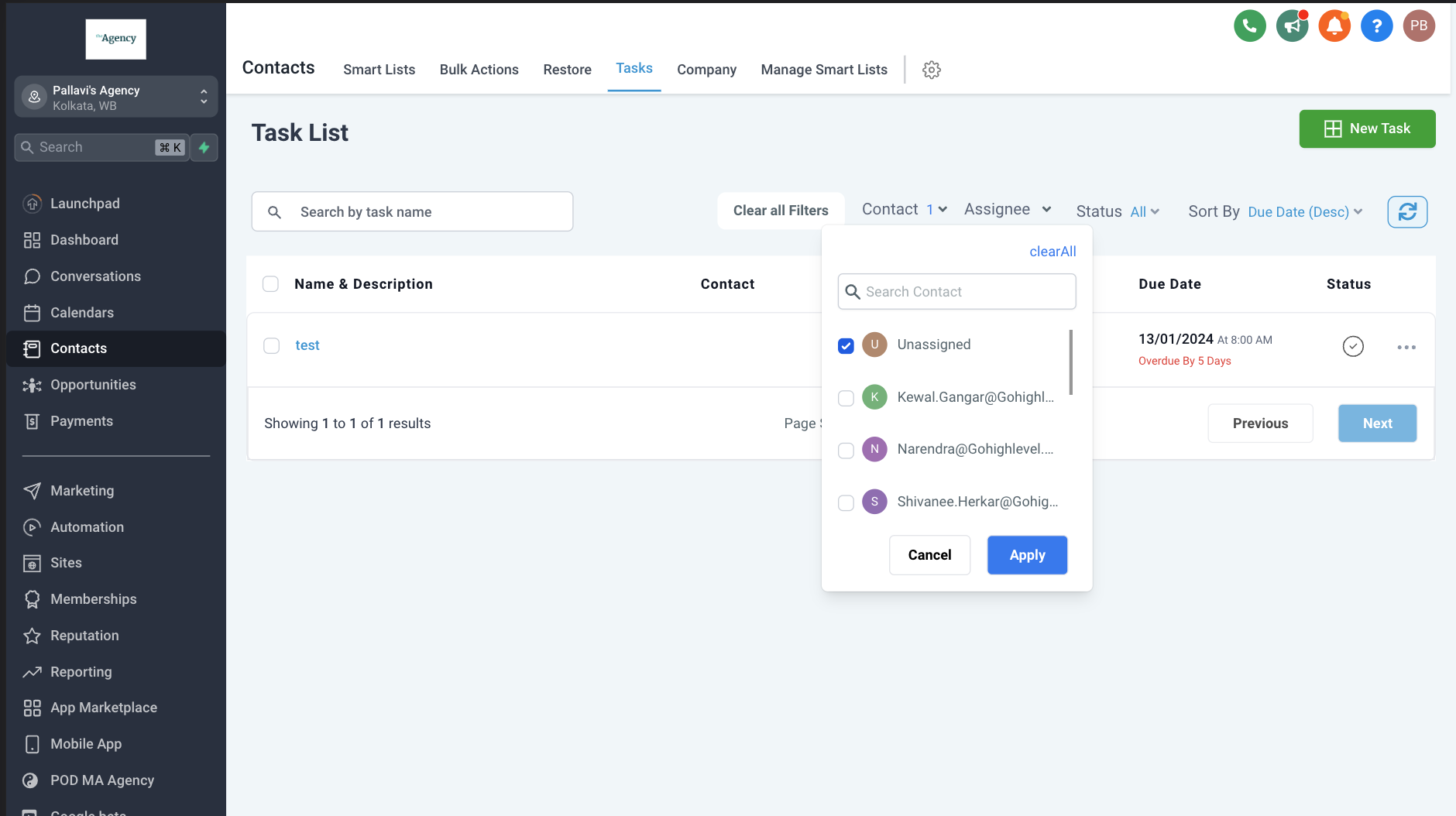
Use the Unassigned option in the Contact filter to display contactless/internal tasks. This makes it easier to identify tasks that are being used for internal team activities rather than tasks associated with specific contacts.
Assign, Remove, or Reassign a Contact to a Task
After creating a contactless task, you can add a contact to it later. You can also remove or reassign the associated contact as needed. This gives your team flexibility to manage a task as its requirements change.
Automate Contactless Tasks with Workflows
The Add Task workflow action can create contactless tasks when the workflow does not have an associated contact, such as when the workflow is triggered by an inbound system event. If a contact is available in the workflow, the task is automatically associated with that contact.
Frequently Asked Questions
Q. Can I schedule tasks with dynamic dates or create them automatically based on triggers?
A. Yes. While the Tasks section allows you to manually create tasks for your team, advanced task scheduling and automation—such as setting a dynamic due date like “2 days from now at 5:00 PM”—can be configured using workflows.
Go to Automation → Workflows and use the Add Task workflow action. This allows you to automate task creation, assign tasks, and configure dynamic due dates based on workflow triggers such as form submissions, opportunity updates, and other supported events.
Was this article helpful?
That’s Great!
Thank you for your feedback
Sorry! We couldn't be helpful
Thank you for your feedback
Feedback sent
We appreciate your effort and will try to fix the article