Affiliate campaigns let you organize how affiliates promote your business and how their activity is tracked and rewarded. Each campaign can be configured with a source, referral tracking, commission model, payout terms, and assigned affiliates. Campaigns can support sources such as Funnels, Websites, Stores, Forms, Surveys, Calendars, and External Websites, depending on the type of affiliate program you want to run.
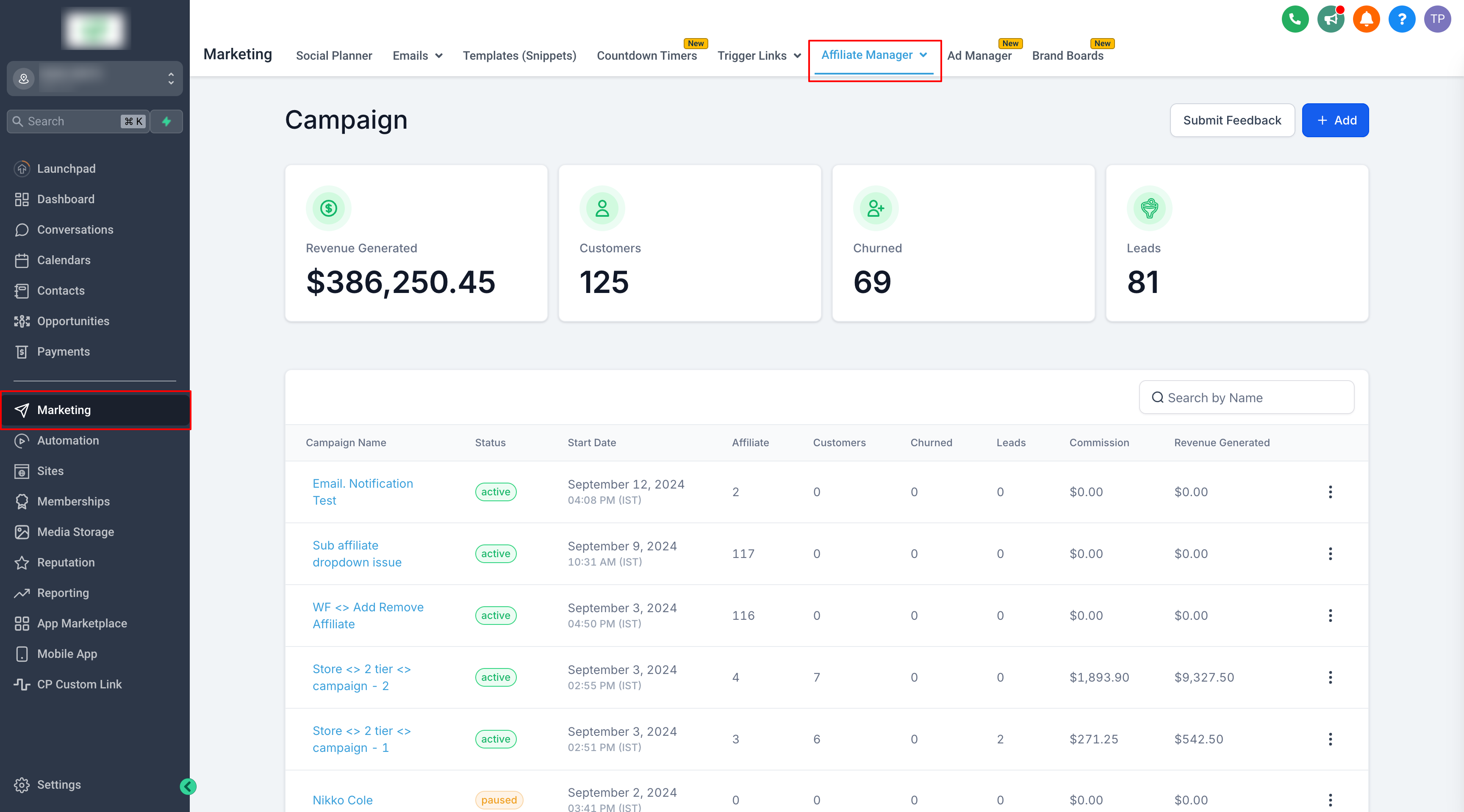
TABLE OF CONTENTS
Why Use Campaigns?
Campaigns let you control what affiliates promote, how their activity is tracked, how commissions are calculated, and which affiliates participate.
- A Funnel, Website, or Store where affiliates promote products or services
- A Form, Survey, or Calendar used for lead generation or qualifying sales
- An External Website that uses affiliate tracking
- Different products or offers with their own commission settings
- Campaigns with different commission models, payout terms, or commission tiers
This level of segmentation helps you manage your affiliate relationships more effectively and offer targeted rewards.
Campaign Sources and Commission Models
The campaign source determines what affiliates promote and how eligible activity is tracked.
Depending on the campaign setup, sources can include:
- Funnels
- Websites
- Stores
- Forms
- Surveys
- Calendars
- External Websites
Campaigns can also use different commission models depending on the source and configuration.
For supported Forms, Surveys, and Calendars:
- Pay Per Lead rewards affiliates for eligible lead submissions or bookings.
- Pay Per Sale rewards affiliates when an attributed contact completes a qualifying purchase.
Campaigns can also use flat, percentage-based, recurring, product-specific, or multi-tier commission structures where supported.
Managing Affiliates Across Multiple Campaigns
Affiliates can be assigned to multiple campaigns at the same time. Each campaign provides its own referral link and tracking information for that affiliate. As a campaign manager, you have full control to:
- Invite affiliates to join specific campaigns.
- Add affiliates directly to a campaign, either individually or in bulk.
- Remove affiliates from a campaign when necessary.
This flexibility allows you to adjust your strategy as your business evolves, ensuring that affiliates are always working within the most relevant campaign.
Tracking Campaign Performance
Use the Affiliate Manager Dashboard to review performance across all campaigns or select a specific campaign for a focused view.
- Identify which affiliates or campaigns are driving the most sales.
- Analyze the effectiveness of different commission structures or reward levels.
- Take action to optimize your campaigns and boost your overall sales.
Managing multiple campaigns ensures that you stay organized and can scale your affiliate program effectively.
What's Next:
- Glossary
- Affiliate Manager Walkthrough Videos
- How does the Affiliate Manager work?
- How to Switch from FirstPromoter to Affiliate Manager?
Was this article helpful?
That’s Great!
Thank you for your feedback
Sorry! We couldn't be helpful
Thank you for your feedback
Feedback sent
We appreciate your effort and will try to fix the article