We’ve fixed an issue with Stripe refund status syncing to ensure accurate and consistent payment data between Stripe and HighLevel.
Refunds processed directly in Stripe now automatically update on your HighLevel dashboard. This improves data reliability and prevents refund-related errors.
TABLE OF CONTENTS
- What’s Fixed
- How It Works
- What You Need to Do
- Why This Matters
- Best Practice
- What’s Next
- Frequently Asked Questions
What’s Fixed
Refund statuses now sync correctly from Stripe to HighLevel
Eliminates mismatched or outdated payment records
Prevents duplicate refund attempts
Removes errors when issuing refunds from HighLevel
How It Works
When a refund is processed in Stripe, HighLevel automatically updates the transaction status to reflect the change.
This sync runs in the background and requires no additional configuration.
What You Need to Do
No action is required.
This fix is automatically applied to all accounts with an active Stripe integration.
Why This Matters
Previously, refund status mismatches could cause:
Confusion in payment records
Duplicate refund attempts
Errors when processing refunds in HighLevel
With this fix, your payment data stays accurate across both platforms, and refund workflows are more reliable.
Best Practice
For the most consistent tracking and reporting, process refunds directly from the HighLevel dashboard whenever possible.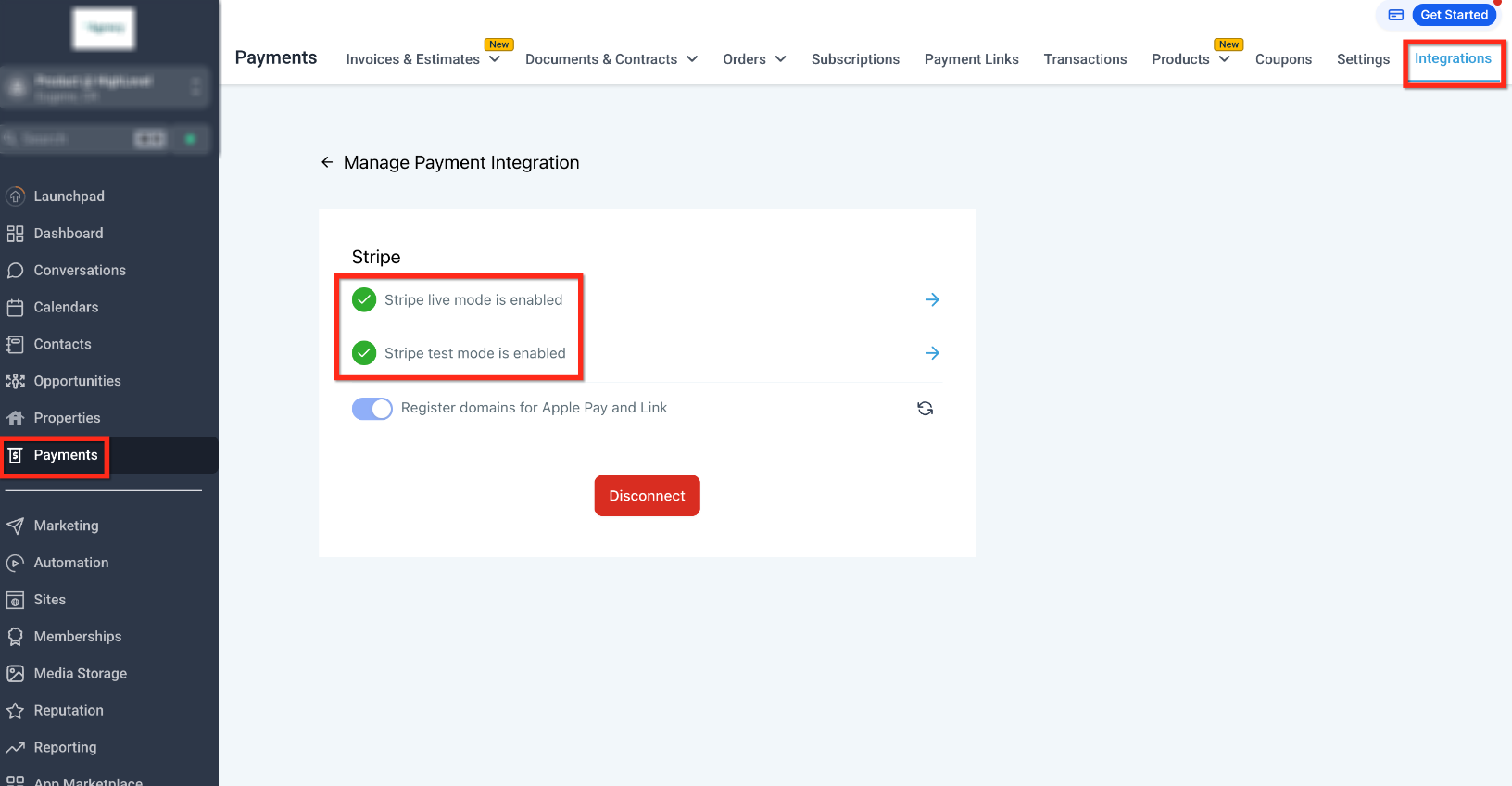
What’s Next
We are continuing to improve payment synchronization across platforms.
Support for real-time updates for additional providers, including PayPal, is currently in progress.
Frequently Asked Questions
Do I need to reconnect Stripe for this to work?
No. The fix applies automatically to existing Stripe integrations.
Can I still issue refunds from Stripe?
Yes. Refunds made in Stripe will now sync correctly to HighLevel.
Why was this fix needed?
Previously, refund statuses could become inconsistent between Stripe and HighLevel, causing errors and duplicate actions.
What should I do if a refund does not sync?
First, confirm your Stripe account is connected. If the issue continues, contact support.
Related Articles
Was this article helpful?
That’s Great!
Thank you for your feedback
Sorry! We couldn't be helpful
Thank you for your feedback
Feedback sent
We appreciate your effort and will try to fix the article