Unified Community Search helps members quickly find relevant posts, comments, and Community members from one search bar. Instead of browsing different areas separately, users can enter a keyword, phrase, or member name and review matching results in one place. This article explains what Unified Community Search is, how it works, how to use it, and answers common questions about finding Community content and members.
TABLE OF CONTENTS
- What is Unified Community Search?
- Key Benefits:
- How It Works
- How to Use Unified Community Search
- Why You’ll Love It:
- Frequently Asked Questions
What is Unified Community Search?
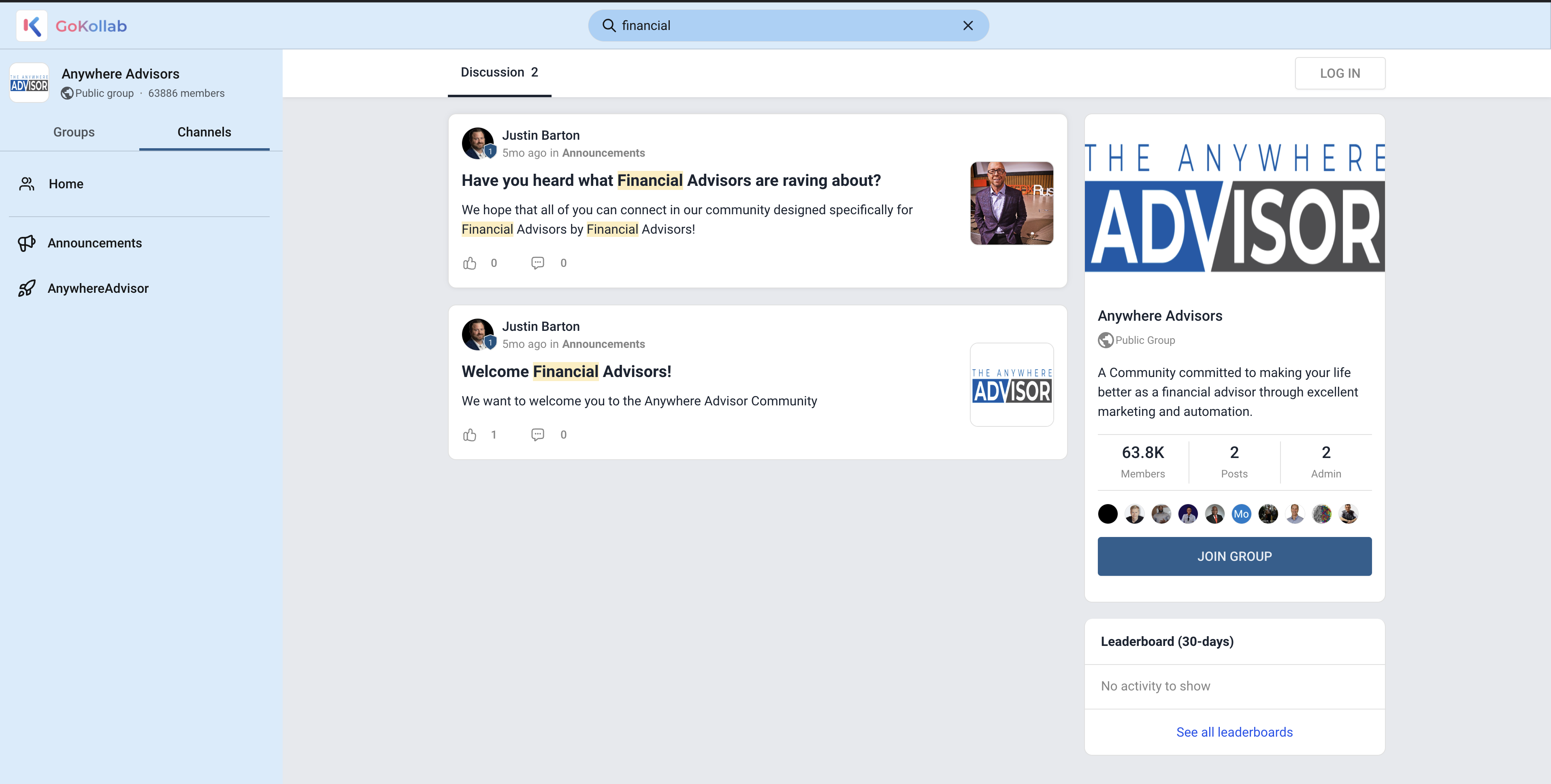
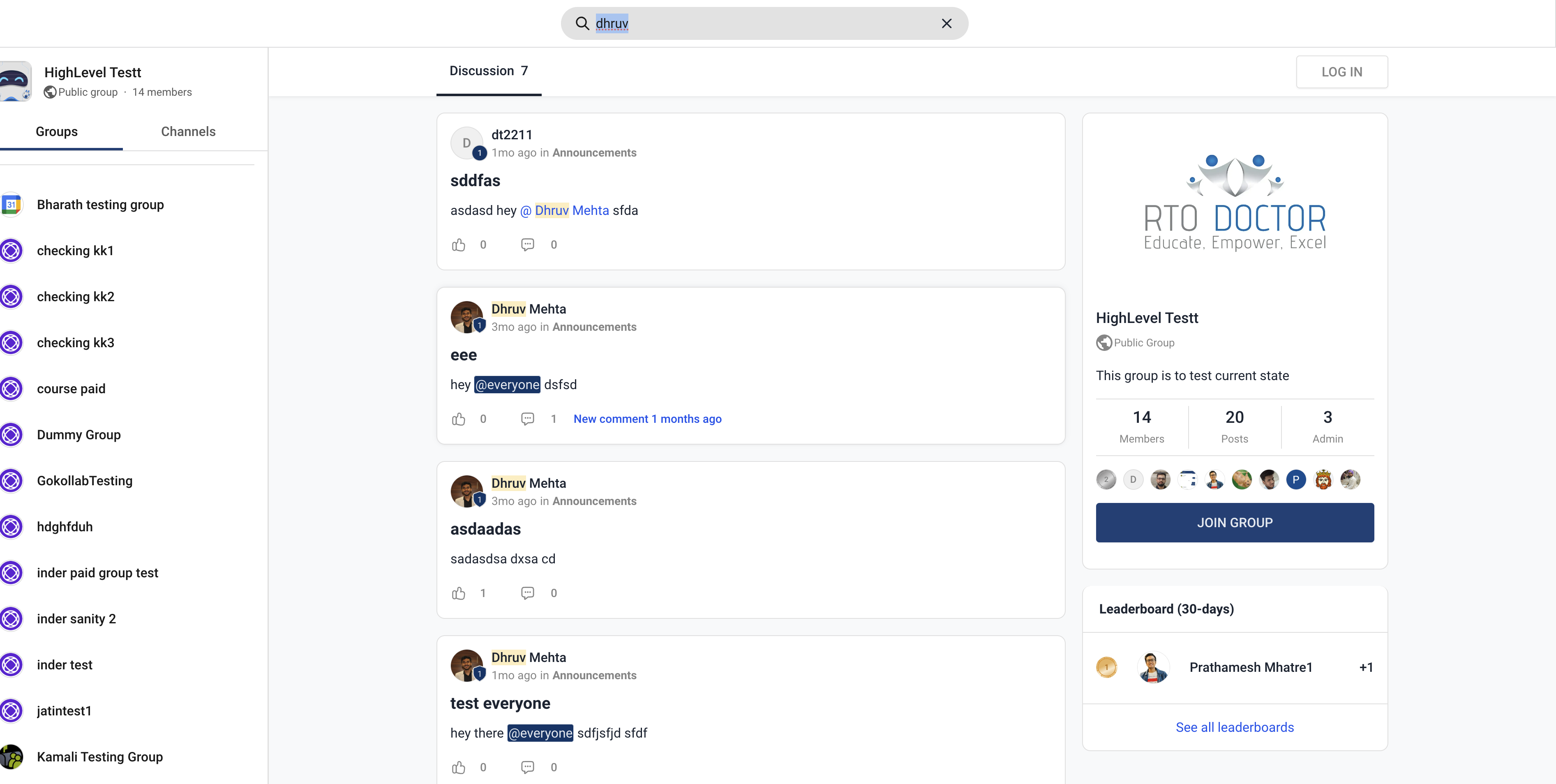
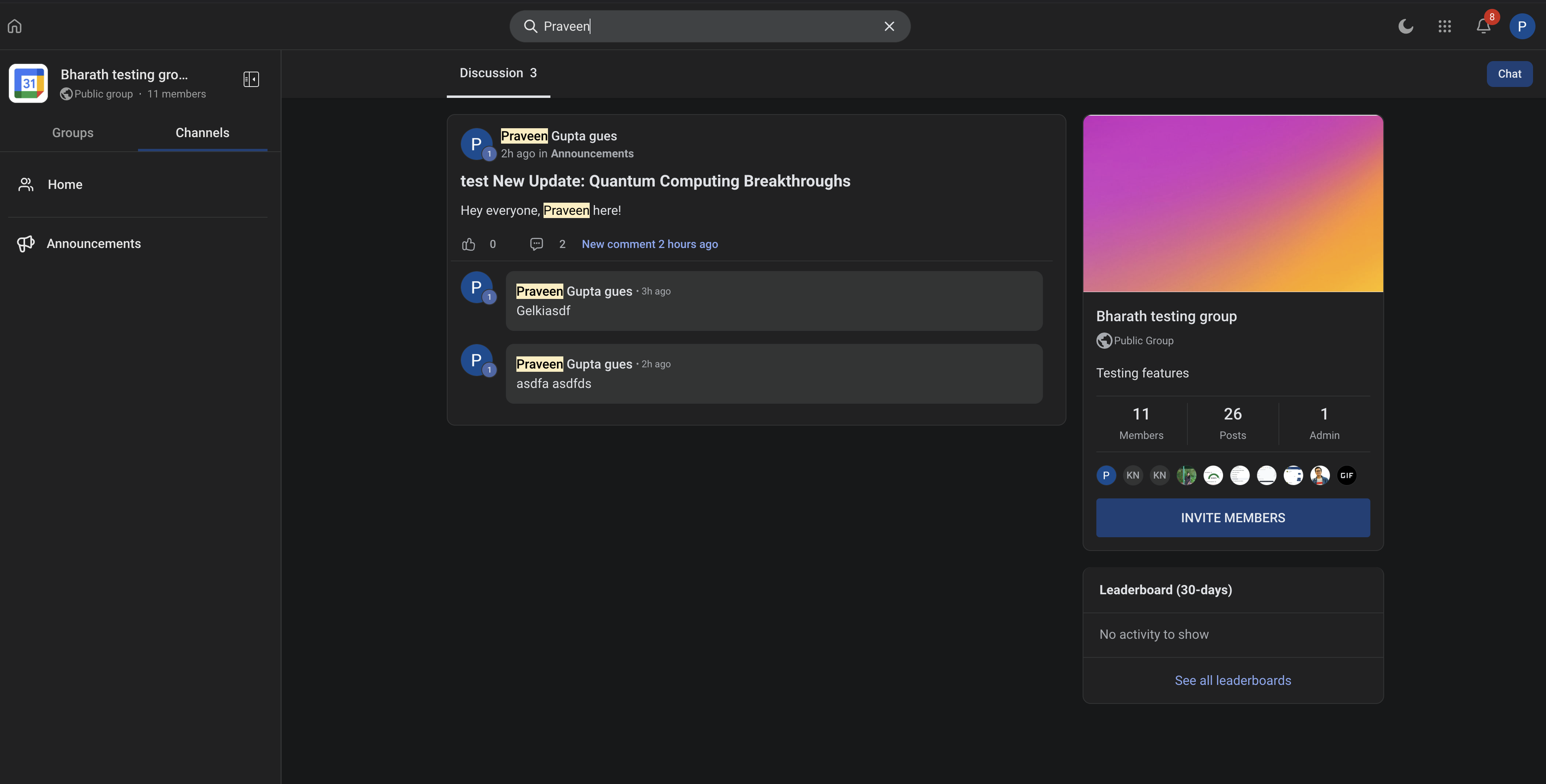
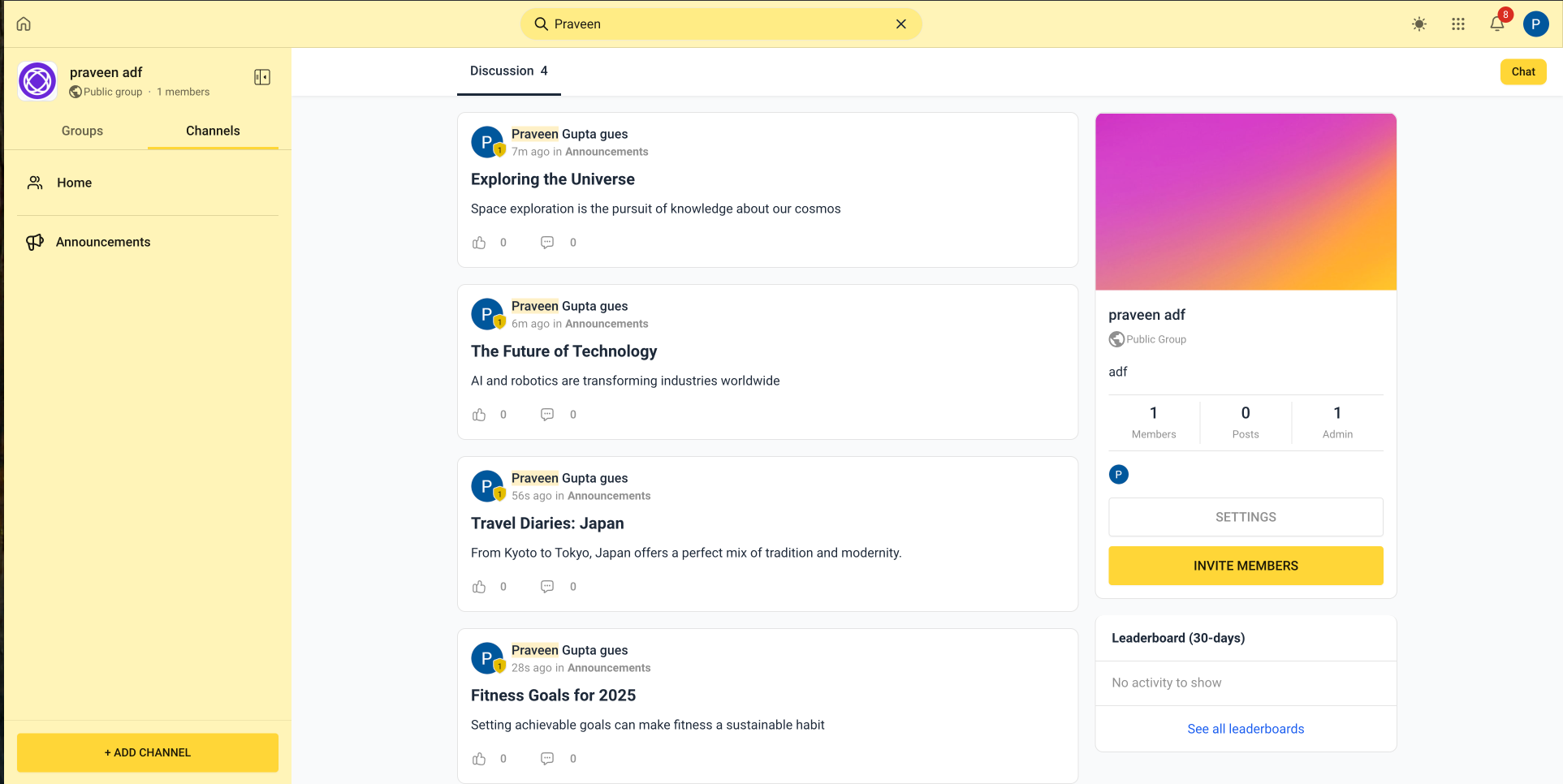
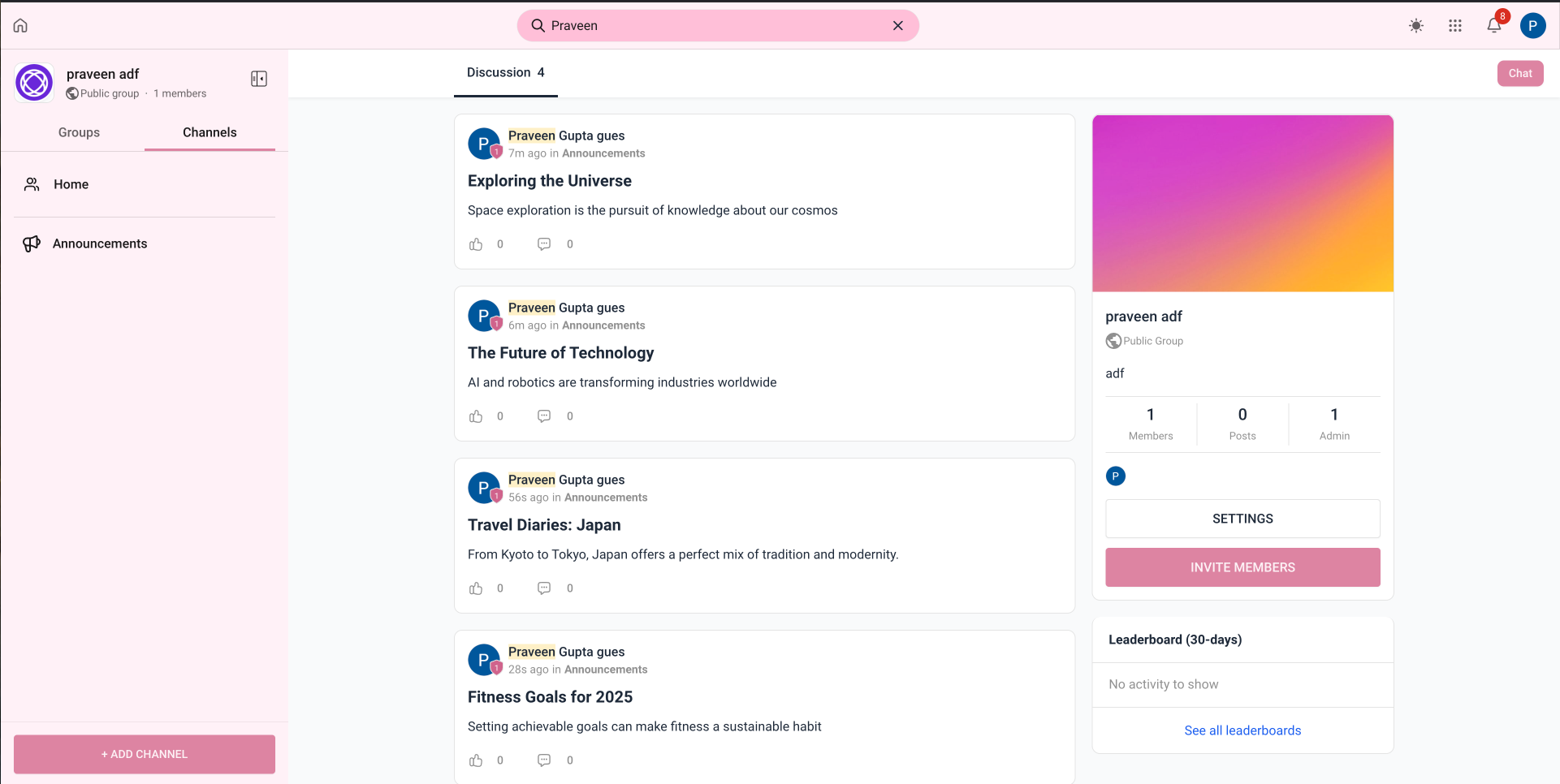
Unified Community Search helps members find relevant posts, comments, and Community members from a single search bar. Instead of browsing different areas separately, members can enter a keyword, phrase, or member name and review matching results from the same search experience.
This makes it easier to return to previous discussions, find specific information, and discover Community members without manually navigating through the feed or member list.
Key Benefits:
Unified search brings Community content and member discovery into one place so users can find relevant information with fewer steps.
- Search from one place: Find posts, comments, and Community members from the same search bar.
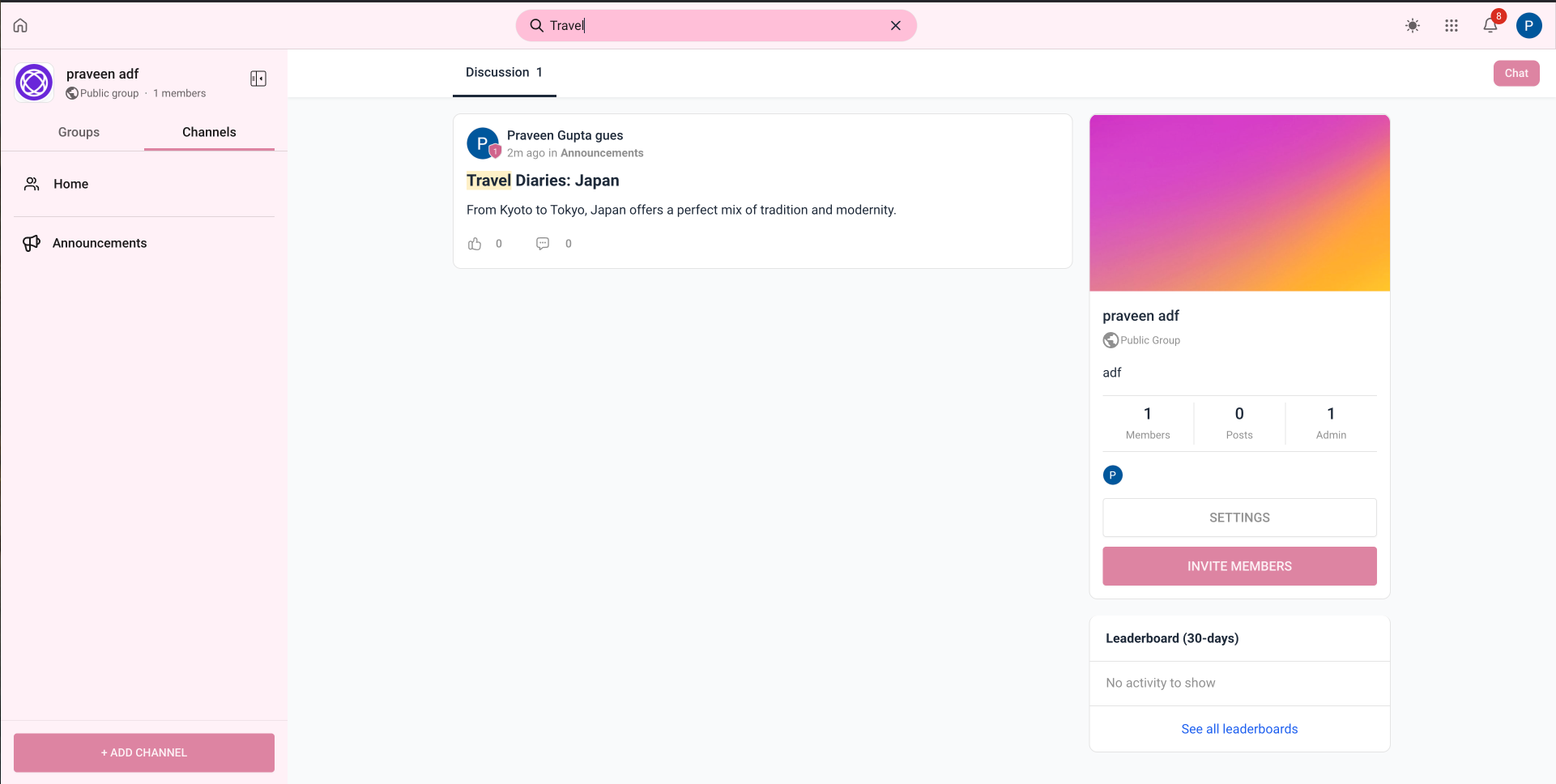
- Find discussions faster: Search for specific topics, keywords, or phrases across Community content.
- Discover members: Search for Community members without navigating separately to the member list.
- Reduce unnecessary navigation: Review matching Community results without manually browsing multiple areas.
How It Works
Community search can return results across the following areas:
- Posts: Find posts based on matching titles and content.
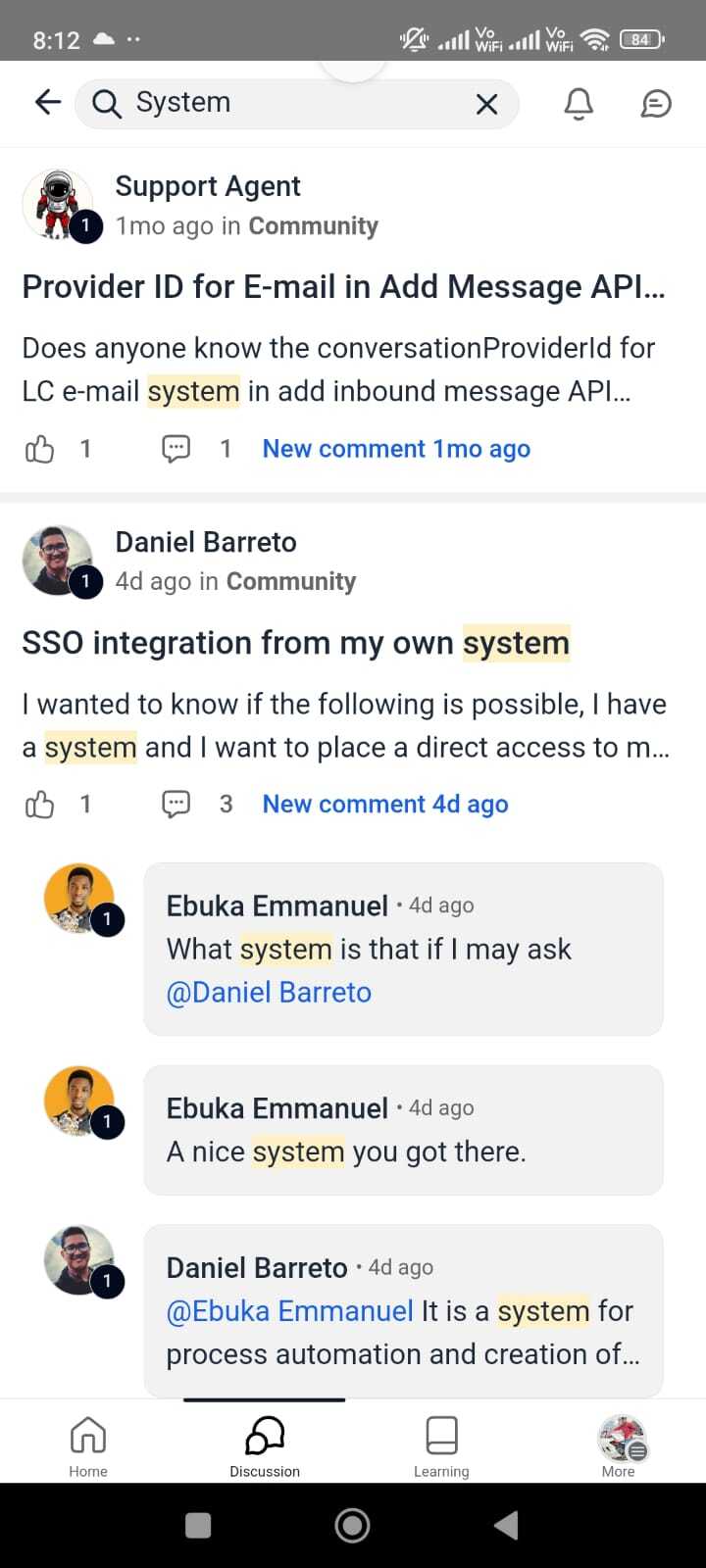
- Comments: Find comments that contain matching information.
- Members: Find Community members that match your search.
Enter a search term in the Community search bar to view relevant results across these areas.
How to Use Unified Community Search
Unified Community Search helps you find discussions and members without leaving the Community experience.
1. Open the Community where you want to search.
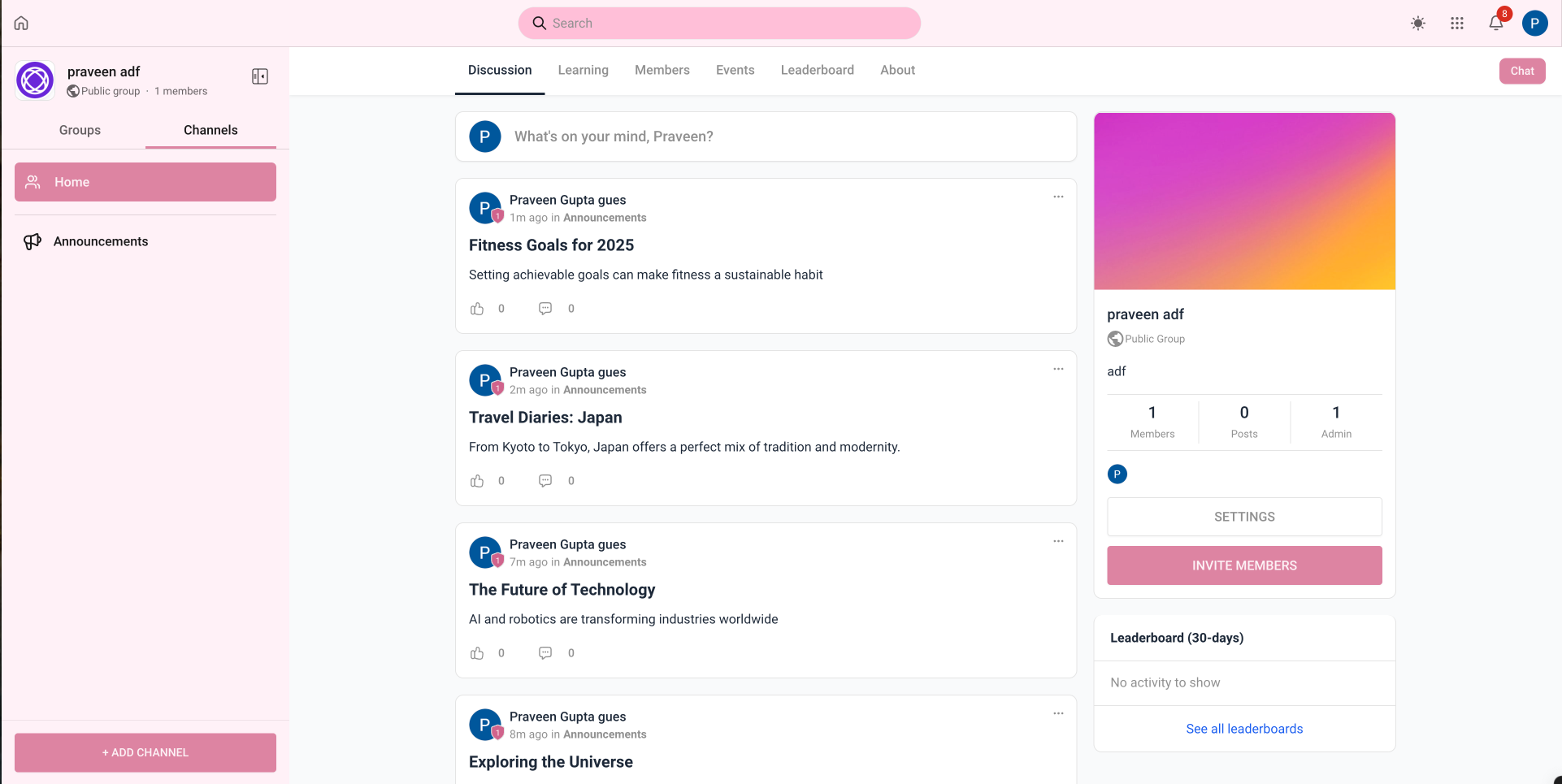
2. Locate the search bar at the top of the Community experience.
3. Enter a keyword, phrase, or member name.
4. Review the matching posts, comments, and members.
5. Select a result to open the relevant content or member information.
Why You’ll Love It:


Frequently Asked Questions
Q: What can I search for using Unified Community Search?
You can search across posts, comments, and Community members from the same search experience.
Q: Where can I access Unified Community Search?
Open the Community and use the search bar at the top of the Community experience.
Q: Can I search for Community members by name?
Yes. Enter a member name in the Community search bar to find matching Community members alongside relevant posts and comments.
Q: Do I need to search posts, comments, and members separately?
No. Unified Community Search brings these result types into one search experience, reducing the need to browse different areas of the Community.
Q: Can I use Unified Community Search to find an older discussion?
Yes. Search for a relevant keyword or phrase to find matching posts or comments and return to the related discussion.
Q: What happens when I select a search result?
Selecting a result takes you to the relevant Community content or member information associated with that result.
Was this article helpful?
That’s Great!
Thank you for your feedback
Sorry! We couldn't be helpful
Thank you for your feedback
Feedback sent
We appreciate your effort and will try to fix the article