Store owners can add more information for their products: Weight, Dimensions, and SKU (Stock Keeping Unit). These fields are essential for future shipping integrations. We have added a new page for variants/ prices, where users can define product weights, dimensions & SKU details, including the ability of tracking inventory for the specific variants.
How to Use:
- To add these details, store owners can access it from:
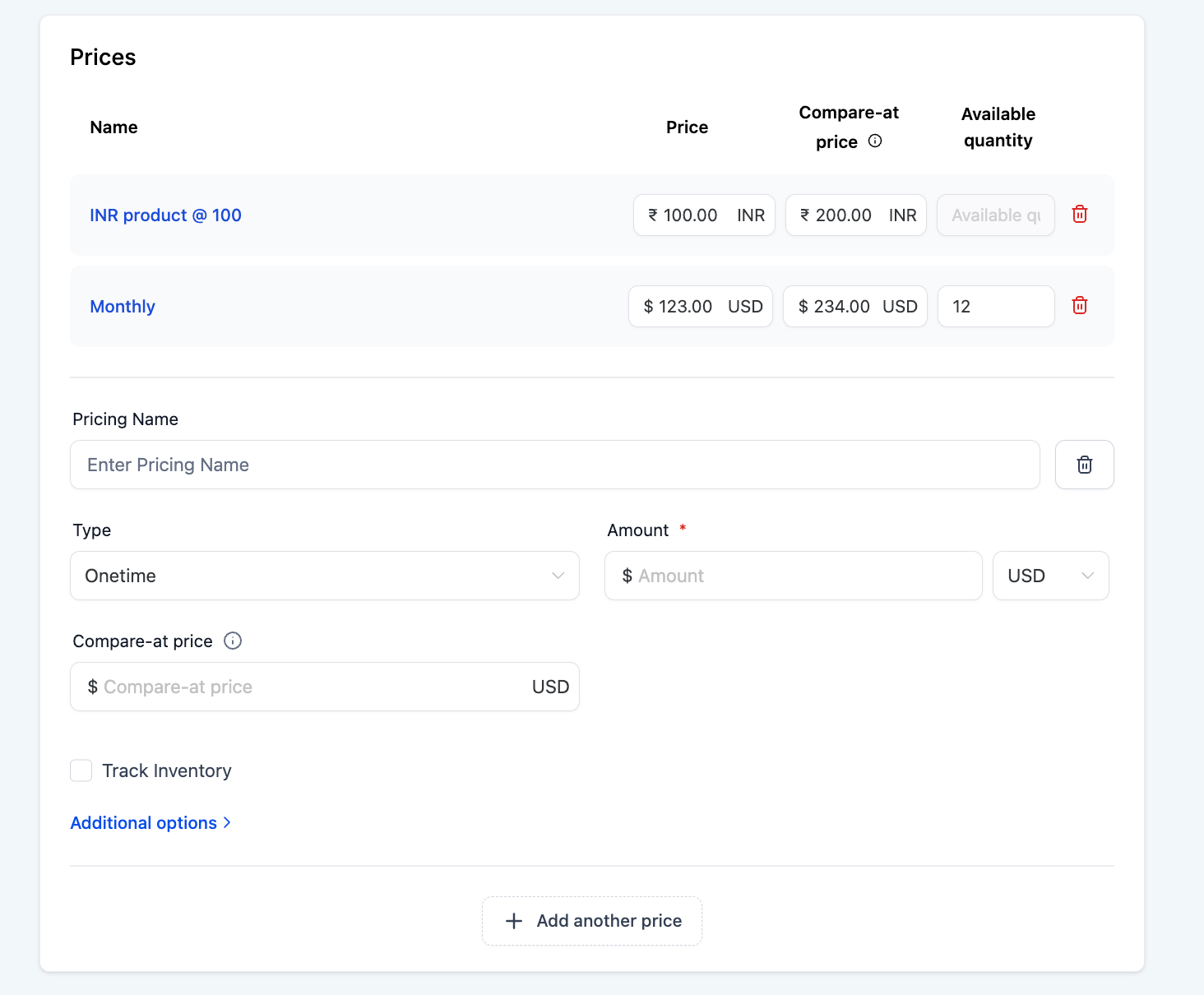
Payments > Products > Create Product > Add Pricing/ Variants > Pricing/ Variant page. - Initially, users must create a price or variant to access the respective page via the hyperlink in Product name.
- A "New" tag will appear for newly added unsaved prices, and the price/ variant page will be available only after saving the changes.
- In addition to tracking inventory, users can add product weights, dimensions, and SKUs within the variants or pricing page.
Prices/Variants are now easier to discover and manage from the pricing/variant list:

Hover Highlight: Price/Variant tiles highlight on hover to make it clear they are clickable and open the detailed Price/Variant page (where you can add weight, dimensions, SKU, inventory, and digital files).

Quick Actions: Each tile includes Edit and Delete options for faster management without opening the full detail page.
Newly Created Price:

Pricing Page View:

Creating a New Price:
Variant Pages:


Was this article helpful?
That’s Great!
Thank you for your feedback
Sorry! We couldn't be helpful
Thank you for your feedback
Feedback sent
We appreciate your effort and will try to fix the article